You are editing an image for a presentation. The change itself takes a minute. The annoying part is everything around it open the right app, find the file, make the edit, export it, return to the conversation, explain what changed, then repeat.
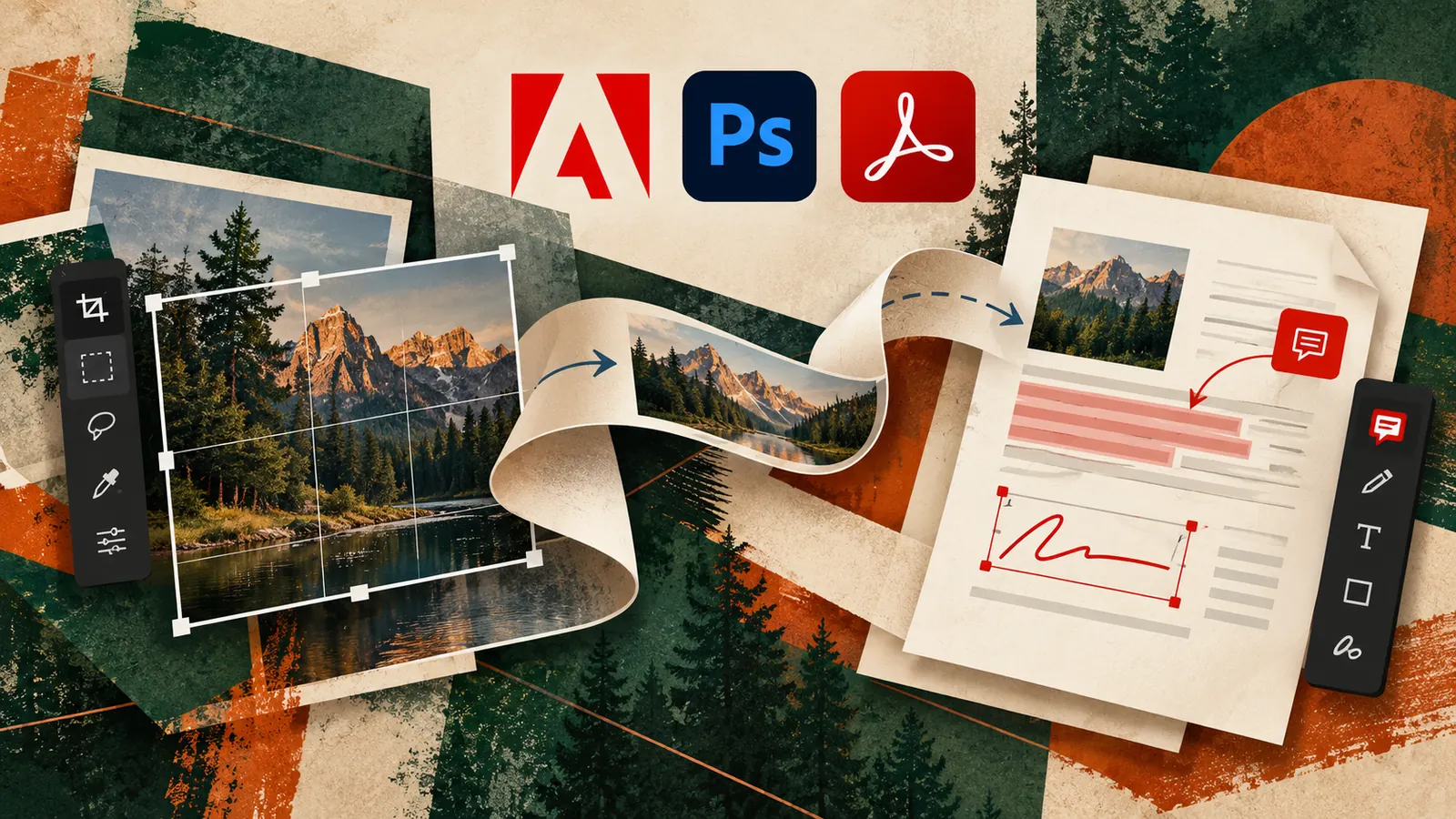
Adobe’s September 24 update is interesting because it attacks that handoff. Adobe is bringing Photoshop, Lightroom and Express capabilities into Gemini, while expanding its Claude integration with Acrobat and dozens of Adobe tools. The practical shift is simple more creative and document work can begin inside the conversation where the task was described.
The useful question
Do not ask “Can AI edit this?” Ask which part of this workflow can stay inside the conversation, and which part still deserves a specialist app or human review?
What changed
Adobe says users can invoke creative capabilities from Photoshop, Lightroom, Express and Firefly through Gemini for tasks such as image adjustments, design creation and visual generation. In Claude, Adobe expanded its plugin approach so Acrobat and a broader set of Adobe services can be called during a conversation.
This does not make Photoshop or Acrobat disappear. It changes the starting point. Instead of learning where every control lives before you can make a useful change, you can increasingly describe the outcome first.
Six everyday jobs worth trying
1. Turn a rough image into a presentation-ready visual
Ask for a cleaner crop, corrected lighting, background cleanup and space for a headline. The advantage is not that each edit is impossible today. It is that a sequence of small edits can be described as one outcome.
2. Create social variants without rebuilding the idea
Start with one approved visual and ask for versions suited to different placements while preserving the core subject and visual hierarchy. Review every crop before publishing.
3. Extract the useful parts of a long PDF
For reports, proposals and research documents, use Acrobat capabilities to locate specific sections, summarize them and turn findings into a working brief instead of manually moving between a PDF reader and chat.
4. Compare documents before a meeting
Ask for changed clauses, missing sections or differences in two versions, then verify anything consequential against the source documents.
5. Turn feedback into an edit brief
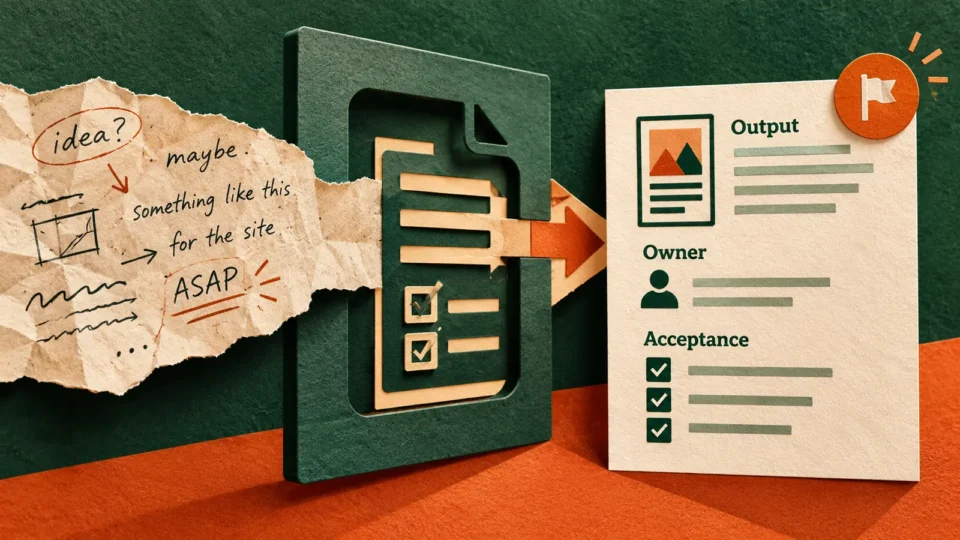
Paste messy stakeholder comments and ask AI to separate copy changes, visual changes, unanswered questions and approval decisions before touching the creative.
6. Build the first draft, not the final judgement
Use conversational creative tools to get to a credible first version faster. Brand nuance, factual accuracy, rights, sensitive retouching and final approval should still have an accountable human owner.
A prompt for deciding what to keep inside AI chat
Copy this prompt
I need to complete this task [describe the task].
Break the workflow into
1. work AI can safely draft or edit inside this conversation
2. work that needs a specialist Adobe tool
3. work that needs human judgement or approval
4. source files I should preserve
5. checks I should make before exporting or publishing
Then give me the shortest safe workflow from starting file to finished output.
Where chat-based editing is actually worth trying
The strongest use case is not replacing Photoshop or Acrobat for specialists. It is shortening the distance between a small request and a usable result. A marketer who needs one background removed, a consultant who needs a PDF checked before sharing, or a team member who needs a quick visual variation may be able to stay inside the conversation instead of opening another application and rebuilding context.
For complex retouching, precise layout work, colour-critical production or documents with complicated structure, the dedicated application still gives you more control. Treat the chat integration as a faster front door for bounded jobs, not proof that every professional workflow should move into chat.
Where AI should stop
Do not treat conversational access as permission to stop checking the work. Keep a human checkpoint for brand-sensitive creative, contracts and consequential PDFs, factual claims, copyright or licensing questions, identity-altering edits, confidential documents and anything being published externally.
The convenience of a conversational interface can make an edit feel lower-risk than it is. The underlying action still matters.
The bigger change fewer handoffs
The most useful AI updates are increasingly not about a chatbot becoming marginally better at answering questions. They remove steps between an instruction and the tool needed to carry it out.
For everyday work, that means the metric to watch is not “How many Adobe features are inside AI?” It is how many times you still have to stop, switch context, move a file and explain the task again.
Try this on one task this week
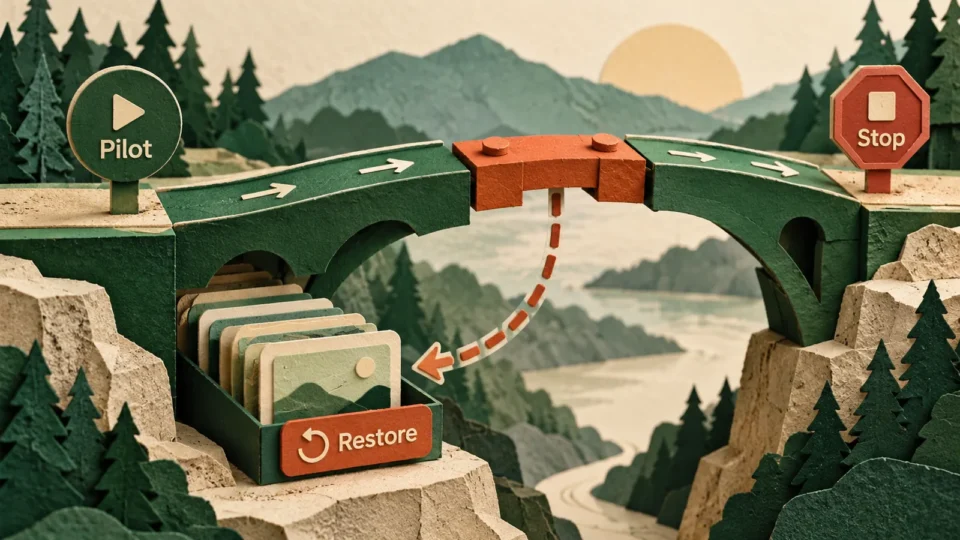
Pick a workflow that currently moves between chat, a PDF, an image editor and a presentation or social tool. Write down every handoff. Then test whether the new conversational workflow removes one or two of those transitions without weakening review.
If it does, that is a useful AI workflow. If it only makes the same process feel more novel, keep the old one.
Sources
Adobe – Adobe comes to Gemini and expands what you can do in Claude, September 24, 2026
Adobe Help – Adobe for Claude