AI Hacks that work.
Practical AI workflows, prompts and patterns you can use in everyday work.
Stories

Your AI inbox priority list needs evidence. Try this ten-minute triage
Use a practical AI inbox triage prompt to separate real deadlines from guesses and verify every action before sending.
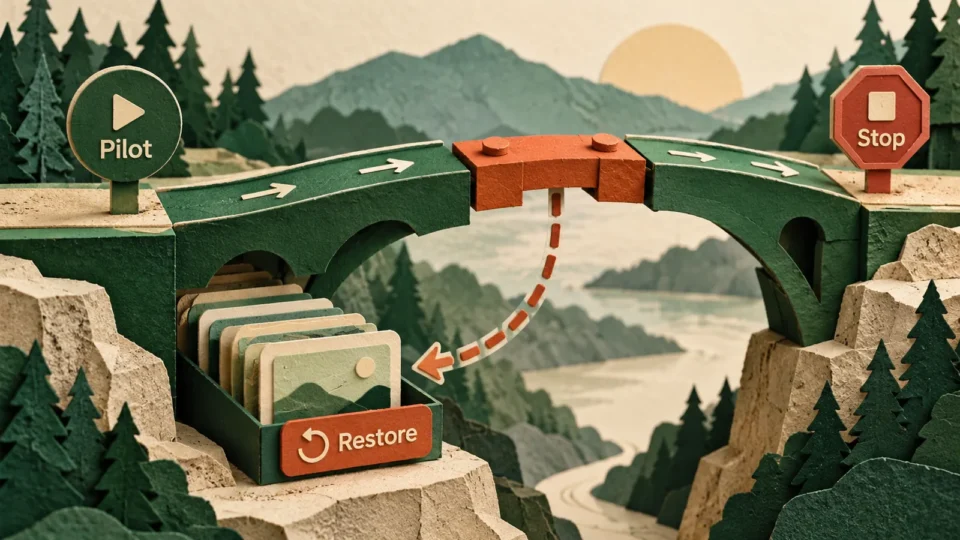
Before AI changes your team workflow, make it write the undo plan
Use AI to plan a reversible workflow change with a small pilot, stop signals, a clear rollback owner and a reusable prompt.
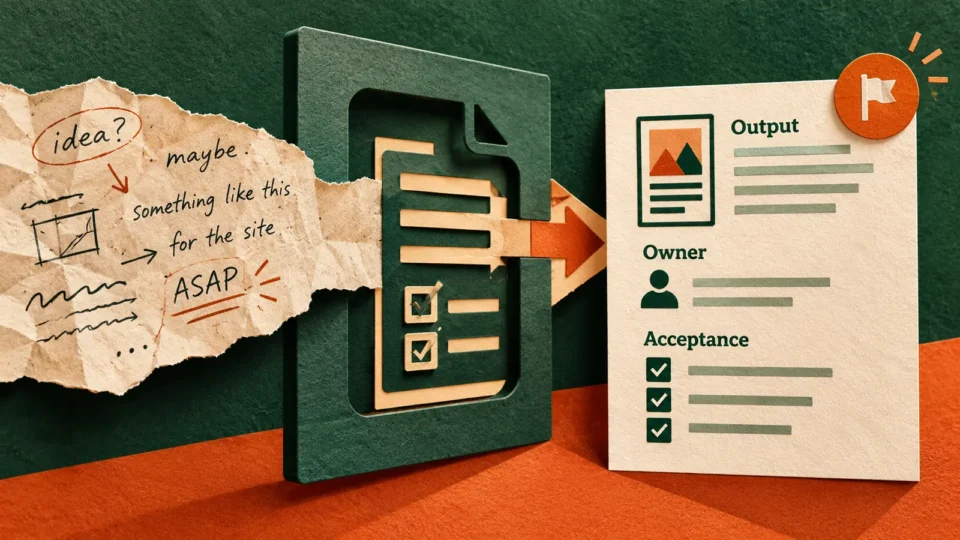
The vague work request trap. Use AI to define what done looks like
Turn a vague work request into measurable completion checks with a four-part AI workflow, realistic sales report example and copy-paste prompt.
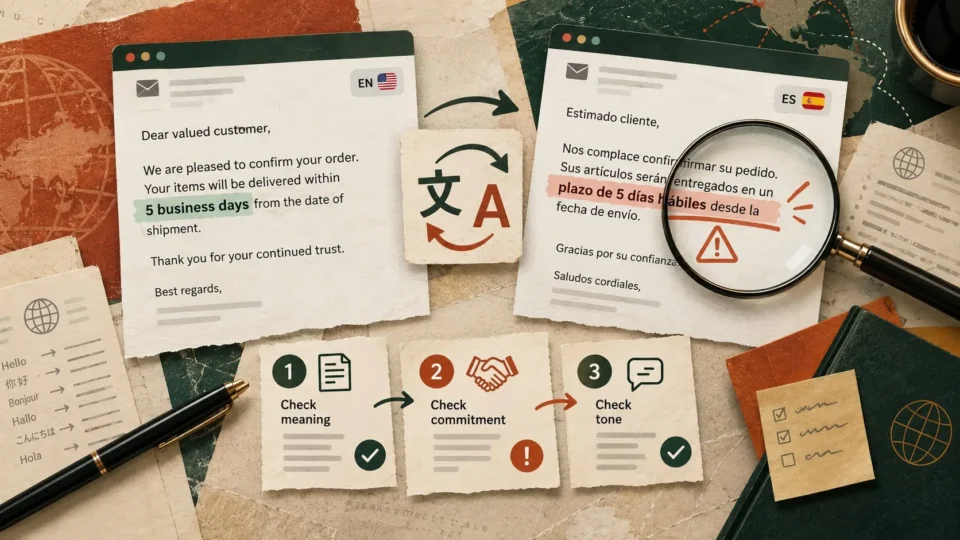
Your AI translation can sound fluent and still change the promise. Use this three-pass check
Before sending an AI-translated client message, check promises, numbers and brand terminology. This three-pass workflow includes a realistic example and a reusable review prompt.

The AI spreadsheet looks convincing. Run these six checks before sharing the numbers
AI can make a spreadsheet look finished before the numbers are trustworthy. Use this six-point audit, realistic order example and copy-paste prompt to check the result.
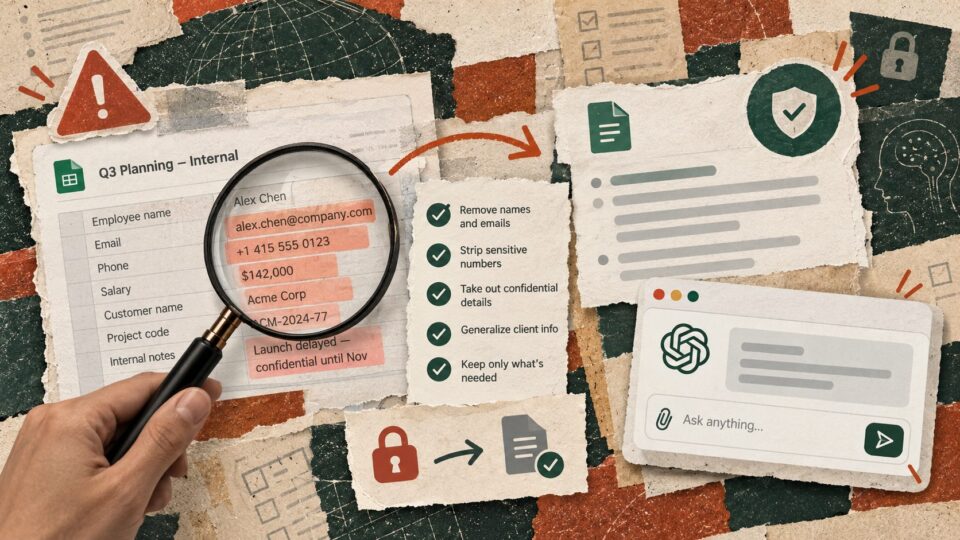
Before you paste work into AI, run this 60-second data check
AI at work is useful until the prompt contains data that should never have left your systems. Use this four-question check before you paste work into…
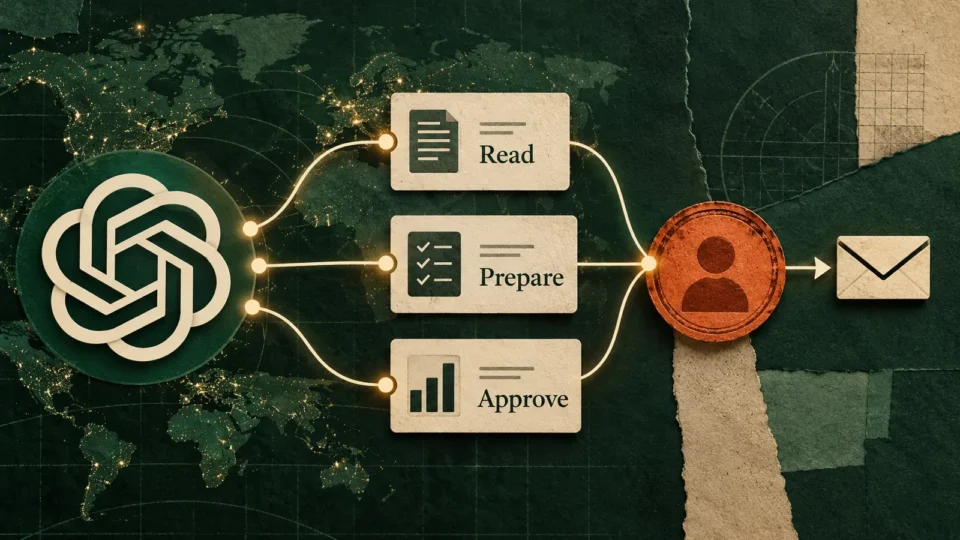
OpenAI’s Dots can keep working when you are not. Start with the approval map
OpenAI Dots can keep working across apps after you leave the chat. Before giving an always-on agent a recurring job, map exactly what it may read,…

Microsoft just rebuilt Copilot around three kinds of work. Here is what to use each one for
Microsoft's new Copilot separates AI work into Home, Code and Autopilot. Here is a practical way to decide when to ask, build or delegate — plus…

Adobe is putting Photoshop and Acrobat inside AI chat. Here are 6 workflows worth trying
Adobe is bringing creative and document tools into Gemini and Claude. Here are six practical workflows to try, plus where human review should stay.

ChatGPT can now connect work and personal accounts. Here is how to use that without creating a mess
ChatGPT can now connect multiple work and personal accounts through supported plugins. The useful part is not merging everything, but reducing the time spent jumping between…
AI that earns its place in your inbox.
The tools worth trying, a prompt you can steal, and the news that affects your work. No hype, no jargon.