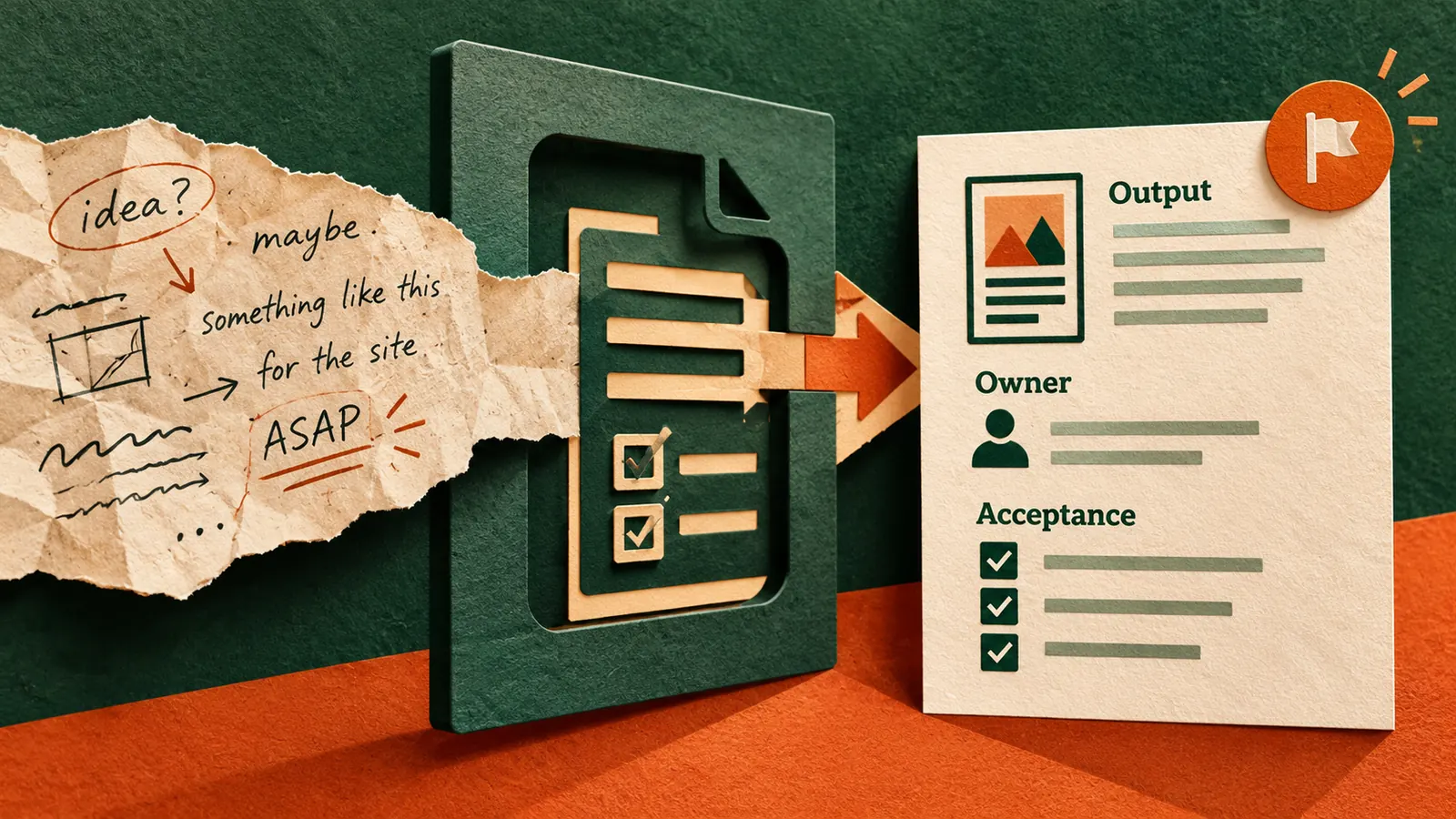
Someone asks you to make a report more useful, improve a presentation or refresh a webpage. You could ask an AI assistant to get started immediately. But if nobody has agreed what a successful result looks like, the assistant can produce a polished answer to the wrong problem.
Try a different first step. Ask AI to turn the request into a short set of checks that a colleague could actually use to approve the finished work. The goal is not to make every small task bureaucratic. It is to catch missing expectations before the first draft becomes a third round of revisions.
Ask what success means before asking AI to do the work
Project-management teams call these checks acceptance criteria. Atlassian distinguishes criteria for a particular task from a wider definition of done shared by a team. Asana’s February 2026 project-scope guide also recommends stating deliverables, boundaries, constraints and approval standards before work expands. You can borrow that logic for an ordinary email, deck or report without adopting a full project-management system.
Do not ask AI to make the work impressive before you can explain what would make it acceptable.
Use a four-part completion test
The four questions to answer
- Outcome Who will use the result, and what should they be able to do with it?
- Deliverable What exactly must be handed over, in which format and by when?
- Boundary What is explicitly included, excluded or dependent on approval?
- Proof What visible check will show that the request has been met?
Write Unknown when the original request does not answer a question. Do not let AI turn a guess into an agreement.
See how one vague request becomes testable
Imagine a sales manager says, “Make the weekly pipeline report easier to use.” A generic AI response might recommend charts, colours and shorter summaries. Those ideas may be fine, but they do not tell the team what to deliver.
A more useful draft might say that the report must show open opportunities by stage, identify deals with no update in seven days, distinguish confirmed revenue from estimates and fit on one screen. It must use the approved CRM export, not invented numbers. The manager should be able to identify the three opportunities needing attention within two minutes.
Notice that the seven-day threshold, one-screen format and two-minute test are proposals, not requirements established by the original request. The manager must approve or change them. AI helps reveal decisions that need making, but it does not get to make those decisions silently.
Try this now with a real task you already have
Choose a low-risk request from your own work. Remove customer details and internal information that you are not allowed to share. Copy the request into an approved AI tool and use the prompt below.
Copy-paste prompt for a definition of done
Act as a careful project coordinator. I will give you a short, possibly vague work request. Do not complete the work yet.
Rewrite the request into four parts called Outcome, Deliverable, Boundary and Proof. Use only facts stated in the request as confirmed requirements. For anything missing, write Needs confirmation.
Suggest up to five specific, observable acceptance checks. Clearly label every suggested check as Proposed, not Agreed. Do not invent owners, deadlines, numerical targets, approvals or source data.
Then list the three most useful questions I should ask the requester. Finish with a short message I can send for approval before starting the work.
Work request – [paste an approved, non-sensitive request]
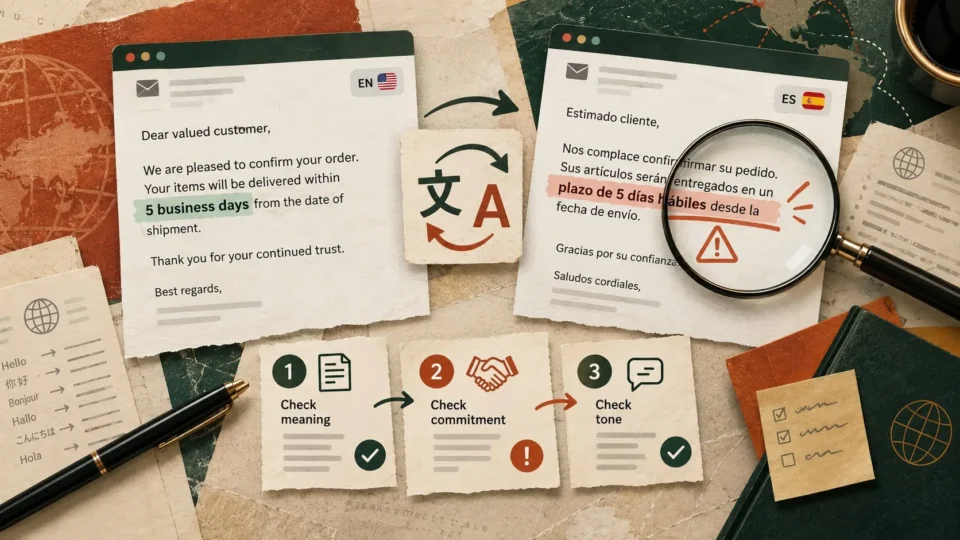
Verify Read the original request beside the output. Check that every confirmed item is genuinely stated, every proposed threshold is marked for approval and no deadline or promise has been invented.
Test the result before calling the task complete
The five-minute acceptance check
- Ask the requester to approve or revise the proposed checks before work begins.
- Keep the approved checks next to the task in the tracker your team already uses.
- After the work is done, compare the actual deliverable against each check, one by one.
- Mark each check Pass, Needs work or Blocked. Attach the file, link or evidence rather than writing only Done.
- If the request changes, record what changed and who approved it instead of quietly adding work.
For a customer-support FAQ, proof might mean a teammate can find the correct refund rule without asking the author. For a slide deck, it might mean all figures match the approved source and the intended audience can understand the recommendation. Choose a test that reflects the job, not a decorative quality score.
Keep the human decision where it belongs
An AI-generated checklist can be wrong even when it sounds confident. OpenAI’s guidance on model accuracy recommends checking important claims against reliable information. Apply that advice to the task itself. Verify requirements with the requester, source numbers with their owner and approvals in the normal team process.
You do not need a complex template for every request. For a small job, four lines and one confirmation message are enough. Start with the next vague task in your inbox. If the requester can say yes or no to the proposed completion checks before you start, the AI has already done something useful.
Sources
Atlassian – Definition of done and task acceptance criteria
Asana – Project scope, deliverables and approval criteria
OpenAI Help Center – Checking important AI-generated information