Microsoft has rebuilt Copilot around a simple idea AI at work is moving beyond asking a chatbot a question.
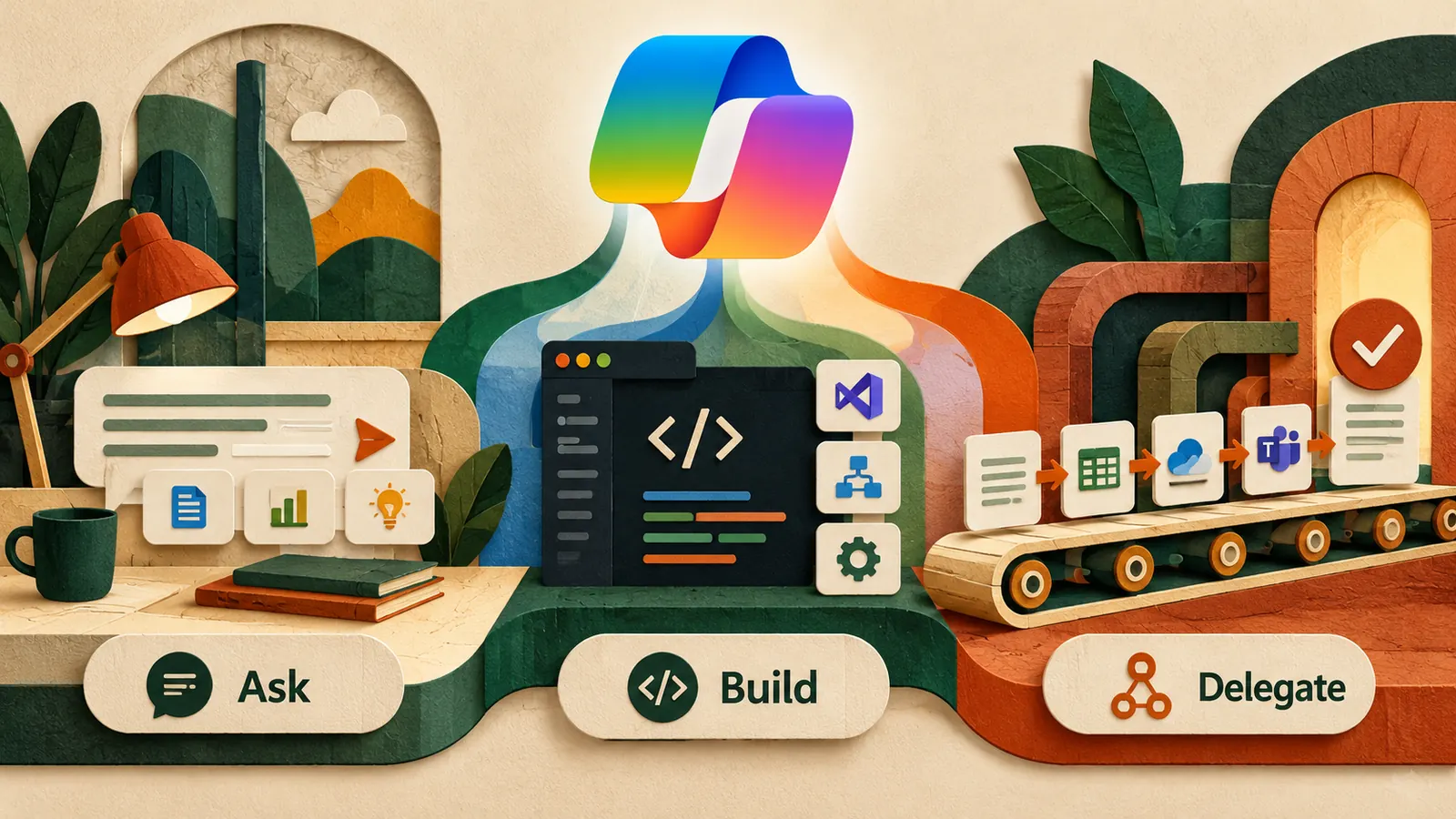
On September 25, Microsoft introduced a Copilot experience organised around Home, Code and Autopilot. Home brings everyday chat and delegated work together. Code is designed for creating apps, dashboards and automations with natural language. Autopilot is intended for longer-running work that can continue after you move on.
Ask when you need an answer or file
Build when the same manual process keeps returning
Delegate when the work has a next step tomorrow
What changed
Home combines conversational work with delegated tasks and brings familiar Microsoft 365 work closer to the Copilot experience. Code lets users describe a small app, dashboard, workflow or automation instead of beginning with code. Autopilot is the bigger conceptual shift a persistent agent with its own identity, workspace and permissions that can continue assigned responsibilities over time.
Availability matters. Microsoft said the new surfaces would roll out gradually, with more persistent agent capabilities more limited initially. Do not design a workflow around a feature until you know it is available in your account and workspace.
Do not start with the biggest agent job
The temptation is to ask what entire process Autopilot can run. Start smaller. Look at the shape of the work.
Use Home for work that ends with an answer or file summarising a thread, comparing documents, turning notes into actions or preparing a first draft.
Use Code when the same process keeps coming back a tracker you rebuild every week, a small internal dashboard, a form-to-report workflow or a repetitive data check.
Use Autopilot when the job has a next step tomorrow following up on missing inputs, monitoring a recurring responsibility or keeping a project moving across several days.
Three tests before you delegate
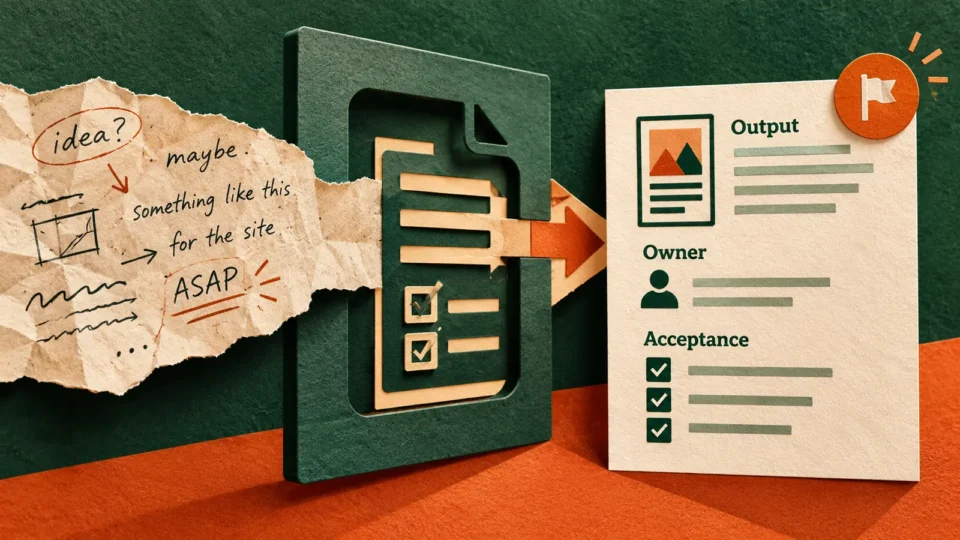
1. Can you describe what done looks like? “Help with this project” is vague. “Keep the weekly tracker current, flag overdue dependencies and prepare a Friday summary for review” is measurable.
2. What may it change? Reading a calendar is different from moving a meeting. Drafting an email is different from sending it. Separate read, draft, recommend and act permissions.
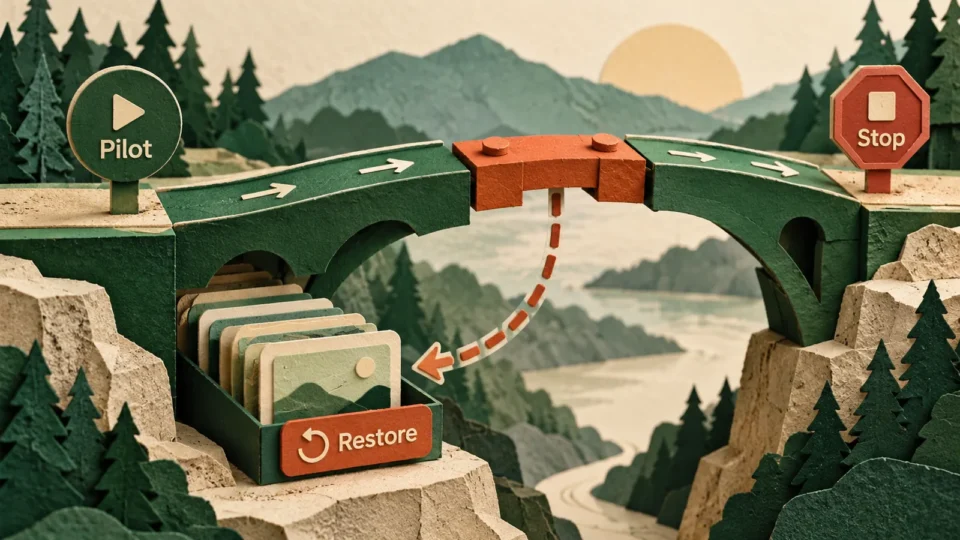
3. Where does a human return? External communication, financial changes, deletion, commitments and hard-to-reverse actions deserve approval.
I do this task repeatedly [task]. Define the exact outcome, information needed, what the agent may read, what it may draft or change, what it must never do without approval, when it should ask me a question, what progress update I should receive and what done means. Then identify the part that should remain human-owned.
The useful progression
A task may begin as a one-off question, become a repeated workflow and eventually become something worth delegating. That progression is more useful than jumping directly to autonomy. First prove that the process itself is good. Then decide whether it deserves automation.
This also gives teams a safer way to learn. A small workflow teaches you how to handle permissions, review quality and failure states before an agent touches a more critical process.
Measure the right thing
Do not measure success by how much the agent does. Measure whether the workflow needs fewer handoffs, fewer repeated checks and less time spent reconstructing context. If automation creates more supervision than the original process required, narrow the job. The best first deployment should make the work easier to understand as well as faster to complete.
Human boundary
Long-running does not need to mean unsupervised. Keep the consequential decision with the person who owns the outcome. The goal is to remove repetitive coordination, not make accountability disappear.
Sources
Microsoft announcement and Microsoft rollout documentation.