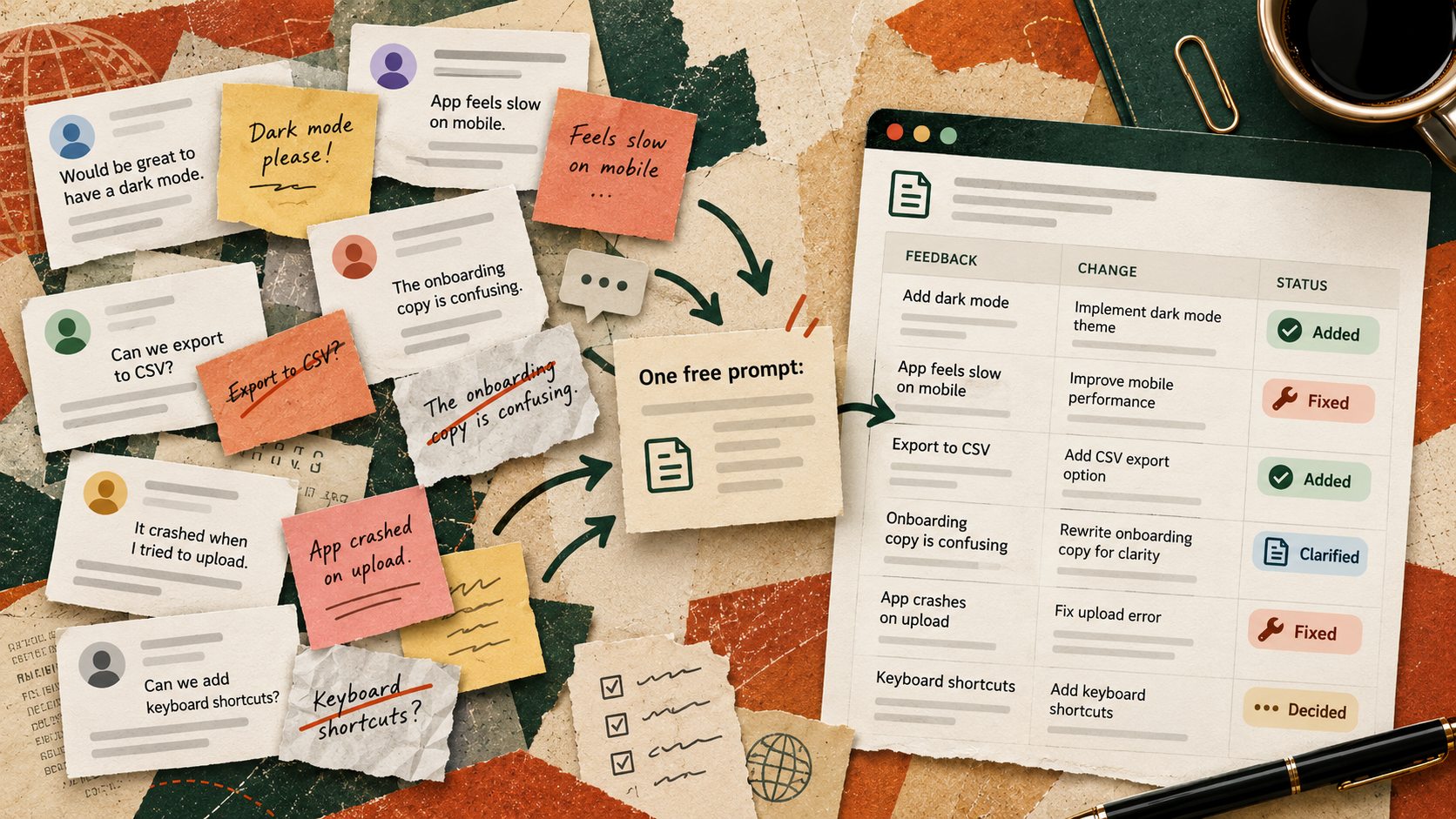
The presentation is nearly finished when the comments arrive. One colleague wants a shorter opening. Another asks for more detail. A third sends a message saying the numbers need to be clearer. By the next morning, there are three versions of the file and nobody knows which requests were actually agreed.
You do not need a paid project management platform to fix this. A free AI chat and a basic spreadsheet can turn scattered comments into a change log. The useful part is not asking AI to make every edit. It is making each request visible, traceable and ready for a human decision.
Start with the difference between a comment and a decision
A comment such as make this more convincing is not an instruction that can be completed reliably. Someone still needs to define what would count as convincing. An AI assistant can flag that ambiguity instead of quietly rewriting the slide.
Do not turn every suggestion into a task. First decide which suggestions are clear enough to act on.
Atlassian describes a similar principle in its feedback approach, where scattered input is collected, organised into themes and connected to decisions. You can apply that principle to everyday document reviews without adopting a new system.
What the change log should contain
Use these seven columns
- Source Where the comment came from, such as slide 4 or an email sent on Tuesday.
- Original request The comment in the sender’s own words.
- Proposed action A specific change, or a question if the request is unclear.
- Type Correction, clarification, new request or conflicting feedback.
- Status Needs decision, approved, in progress or complete.
- Owner The person who will confirm or make the change.
- Evidence A link, slide number or note showing where the result can be checked.
Keep the original wording. Otherwise an AI interpretation can quietly replace what someone actually asked for. Do not invent owners, deadlines or approval status. Mark missing information as needs confirmation.
See the difference with a real working example
Imagine a team preparing a client proposal. Three fictional comments arrive. The account lead writes shorten the introduction. The finance lead says keep the full pricing assumptions. The client asks can we see a simpler price summary.
The first becomes a proposed action to reduce the introduction to one slide, pending approval. The second becomes a requirement to retain detailed assumptions. The third becomes a new summary slide that links back to the full breakdown. These are not three competing rewrites. They are three requests with different purposes.
If two comments really conflict, such as remove the detailed table and keep the detailed table, the log should show both and ask who decides. AI should not choose a winner based on confidence or seniority it has guessed.
Try this now with a free AI chat
Use a non-sensitive set of five to ten comments, or remove client names and confidential information before pasting. You can test the method in any AI chat that accepts text. Then paste the output into a spreadsheet and review every row against the original feedback.
Copy-paste prompt for a feedback change log
I am reviewing feedback on [document, campaign, presentation or process]. My goal is [the intended outcome].
Turn the comments below into a change log with seven columns – source, exact original request, proposed action, type, status, owner and evidence needed.
Preserve the original wording in its own column. Group exact duplicates but do not merge requests with different meanings. Flag vague comments, contradictory requests, missing approvals and anything that needs a decision. Never invent a deadline, owner, decision or completed task. Use needs confirmation where information is missing.
After the table, list the three questions I should ask before work starts. Then draft a short neutral message to stakeholders summarising what is approved, what is unclear and what is still being reviewed.
Here is the feedback – [paste non-sensitive comments with sender or source labels].
Verify before using Compare every row with the original comments. Confirm owners and decisions with the people responsible. Keep a link to the approved version of the work.
Make the spreadsheet easier to maintain
In Excel, use Data Validation to make a drop-down for the Status column with the same four choices every time. Microsoft’s current guidance shows how to build the list from cells, so the available options can be maintained without retyping them. This does not require an AI subscription.
A ten-minute setup
- Open a blank spreadsheet and create the seven column headings above.
- Paste the AI-generated rows as values and check them against the source comments.
- Create a Status drop-down using Needs decision, Approved, In progress and Complete.
- Filter for Needs decision and send only those questions to the relevant people.
- After changes are made, add the slide number, document link or other evidence to each completed row.
Know when not to use this method
A simple log is ideal for document reviews, event planning, marketing approvals and internal process changes. It is not a substitute for formal change control in legal, financial, security or regulated work. Use your organisation’s approved system when permissions, audits or contractual sign-off are required.
The result worth measuring is not how quickly AI generated a table. It is whether the next review begins with fewer repeated comments, fewer forgotten requests and a clear record of who still needs to decide.
Sources
Atlassian – Organising feedback into useful decisions
Microsoft Support – Create a drop-down list in Excel