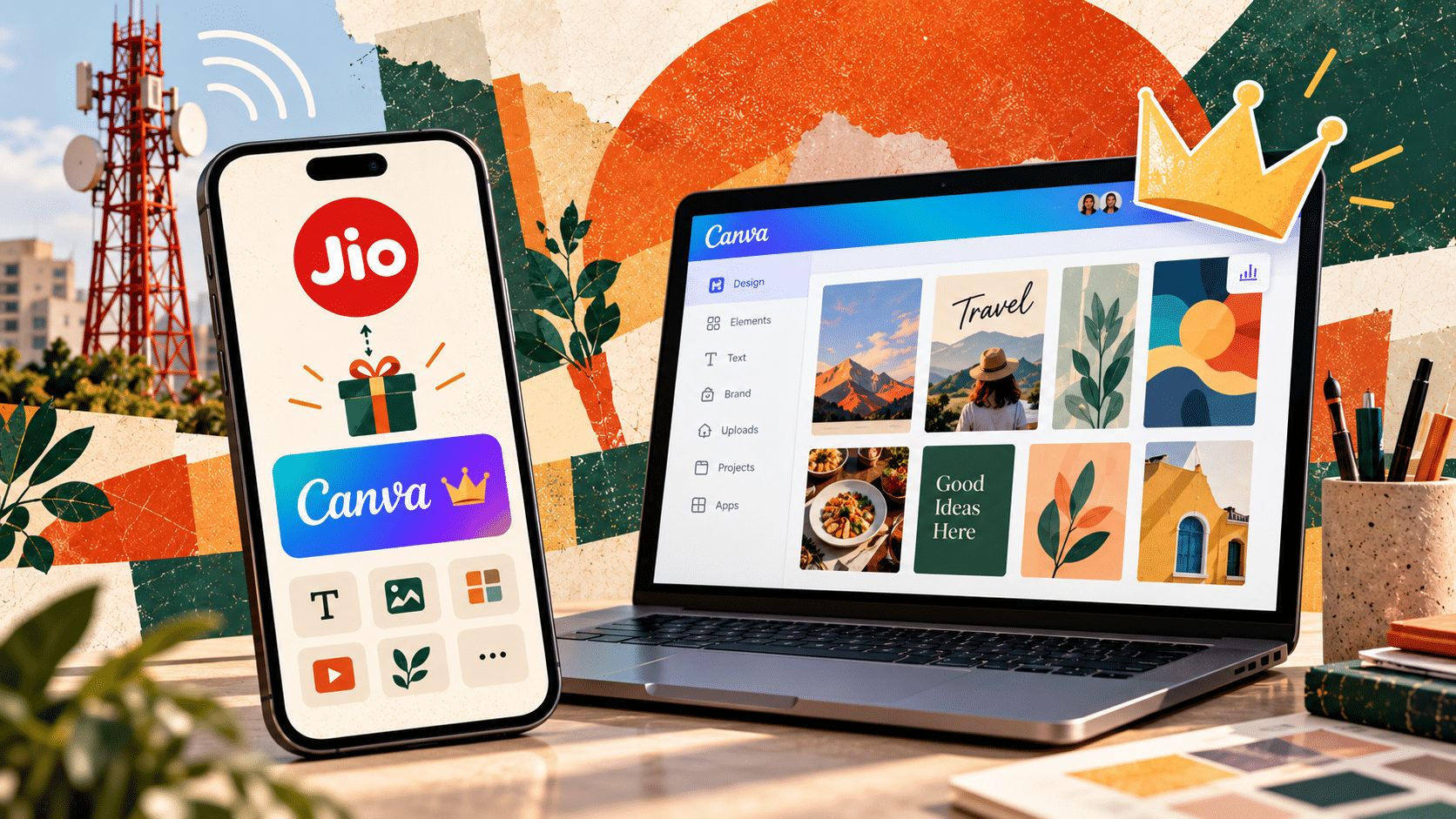
If you can claim Jio’s Canva offer, the obvious move is to take the free year.
The more useful move is to decide what you want Canva to replace before you start browsing templates.
Canva now covers design, presentations, social content, light video editing, image cleanup, brand management and AI-assisted creation. So the real value of 12 free months is not the number of premium templates you unlock. It is how many repeated creative steps you can bring into one workflow.
Can you claim it?
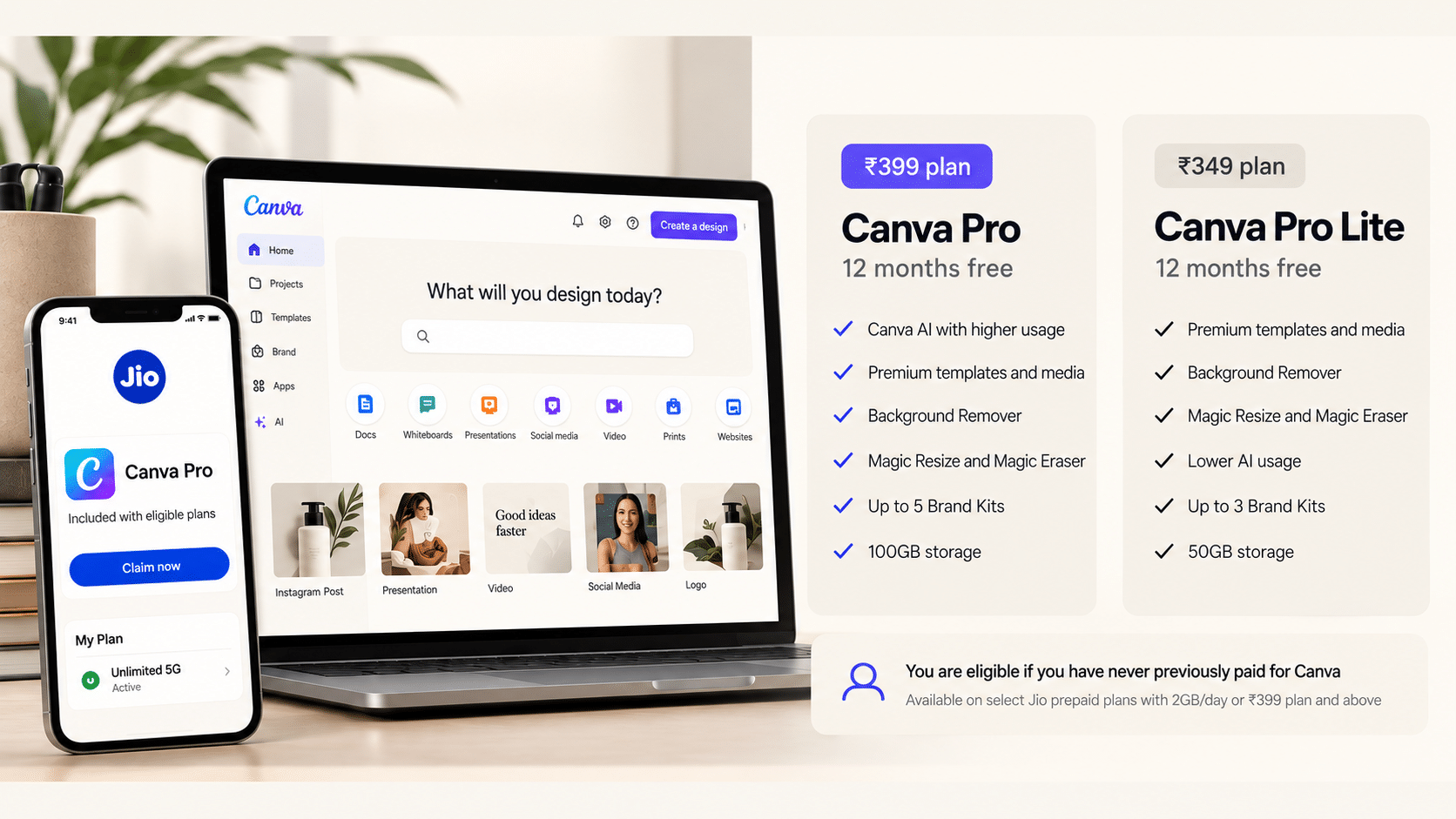
₹399 Jio plan Canva Pro for 12 months
₹349 plan, or eligible 2GB/day plans above ₹349 Canva Pro Lite for 12 months
Main restriction the offer is only for users who have never paid for a Canva subscription before
You also need to keep an active eligible Jio 5G plan during the offer period. Check MyJio before changing plans specifically for Canva.
Pro or Pro Lite which one actually makes sense?
Do not choose based only on the words Pro and Lite.
Pro Lite is probably enough if your main use is premium templates, social posts, basic editing, Background Remover, Magic Resize, Magic Eraser and a small number of Brand Kits.
Full Pro is more useful if you expect to use Canva AI regularly, manage several brands, work with a larger asset library or want the higher storage and AI allowances.
The ₹399 plan gives eligible users Canva Pro, with up to five Brand Kits and 100GB of storage. Pro Lite includes up to three Brand Kits and 50GB of storage.
You claimed it. Do these five things first
The easiest way to waste the free year is to treat Canva like a larger template marketplace.
Use the first 30 minutes to make it useful for your own work
- Create your Brand Kit with your colours, fonts and logos
- Upload the assets you repeatedly use so you stop hunting for them every time
- Build one master social or campaign layout instead of starting from a new template each time
- Test Magic Resize and the editing tools on something you already make regularly
- Create one Canva AI workflow around a real recurring brief
By the end of that setup, Canva should already be saving decisions, not just giving you more design options.
Workflow 1 turn one brief into a small campaign
This is where Canva becomes more interesting than a single-use design tool.
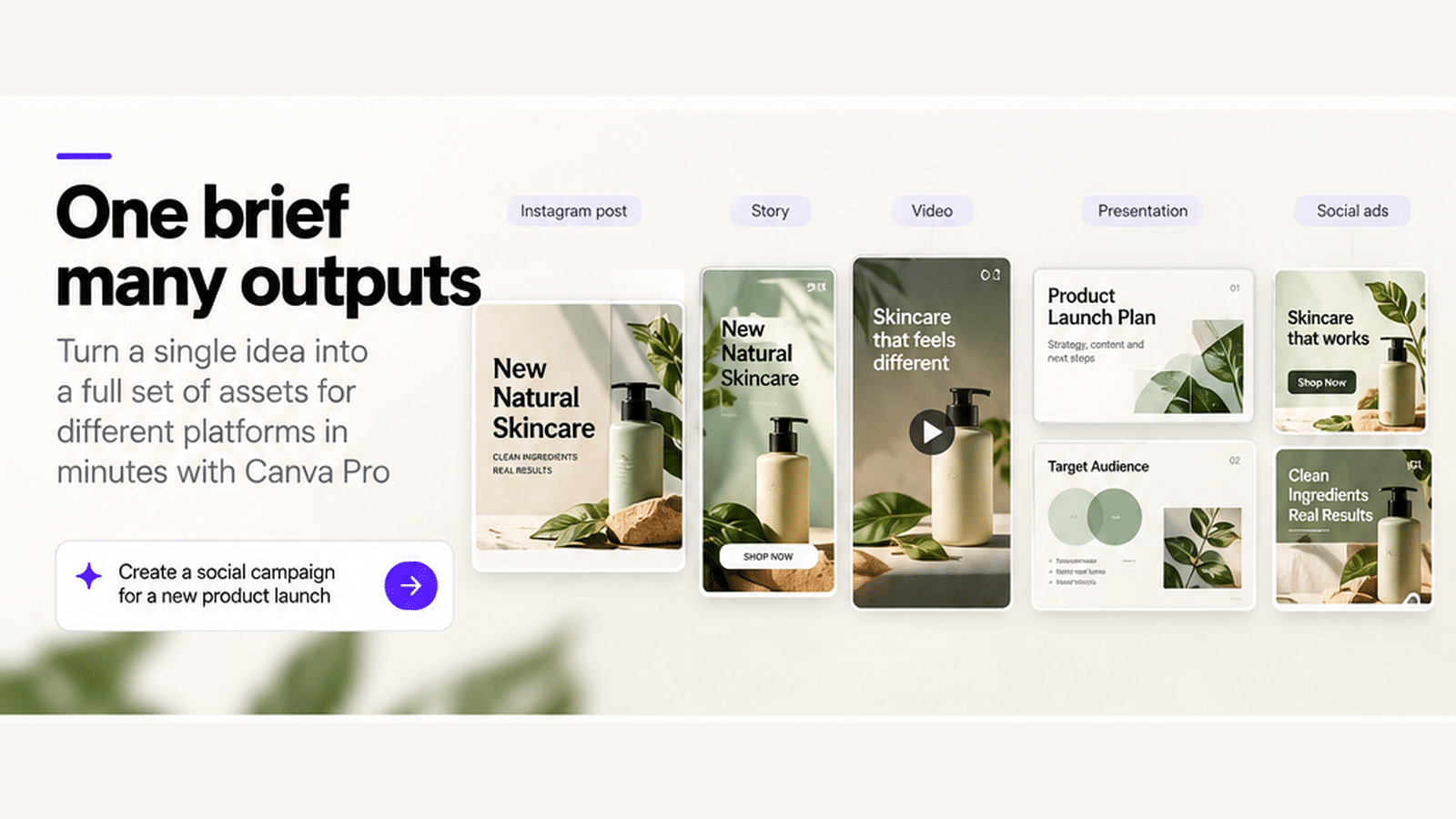
Start with one campaign idea and create one visual direction. Then adapt it into
- an Instagram post
- a Story or vertical asset
- a presentation slide
- a short-form video concept
- a poster or promotional graphic
- a supporting document
The important part is to reuse the same hierarchy, colours, type and imagery so the outputs feel connected.
Copy this into Canva AI
Turn this brief into a small campaign system. Create one clear visual direction, then adapt it into an Instagram post, Story, presentation slide, short-form video concept and promotional graphic. Keep the typography, colour logic and visual hierarchy consistent across every format. Do not make each output look like a separate template.
Try it with a product launch, event, new service, workshop, sale, newsletter or personal brand campaign.
Workflow 2 use the editing tools for the boring work
Some of the most useful Pro features are the least exciting ones.
A typical image workflow can now look like this
upload product or portrait photo → remove background → clean up distractions → expand the crop → place into a branded layout → resize for other channels
That can replace several small editing steps that would otherwise happen across different tools.
Use Canva for the fast version of the job. If the edit needs deep retouching, precise masking or advanced compositing, move to a dedicated editor.
Workflow 3 build one presentation system, not another deck
If you create presentations regularly, do not start by making one more presentation.
Create a small set of reusable slide patterns instead title, section opener, image-led slide, comparison, data point, quote, case study and closing slide.
Apply your Brand Kit once, then reuse those layouts across future decks. Canva is most useful here when consistency and speed matter more than complex spreadsheet-linked reporting or heavy animation.
Who gets the most value from the free year?
Creators build a reusable content system for posts, Stories, thumbnails and simple video
Freelancers and consultants create proposals, decks, client reports, social assets and personal-brand content from the same Brand Kit
Small businesses centralise recurring marketing creative, product images, promotions, presentations and simple video
Students use premium presentations, visual documents, project graphics and AI-assisted ideation without adding another subscription
The best use case is usually not the biggest one. It is the recurring job you currently rebuild from scratch.
What Canva can replace, and what it probably should not
It is useful to think in terms of steps, not software names.
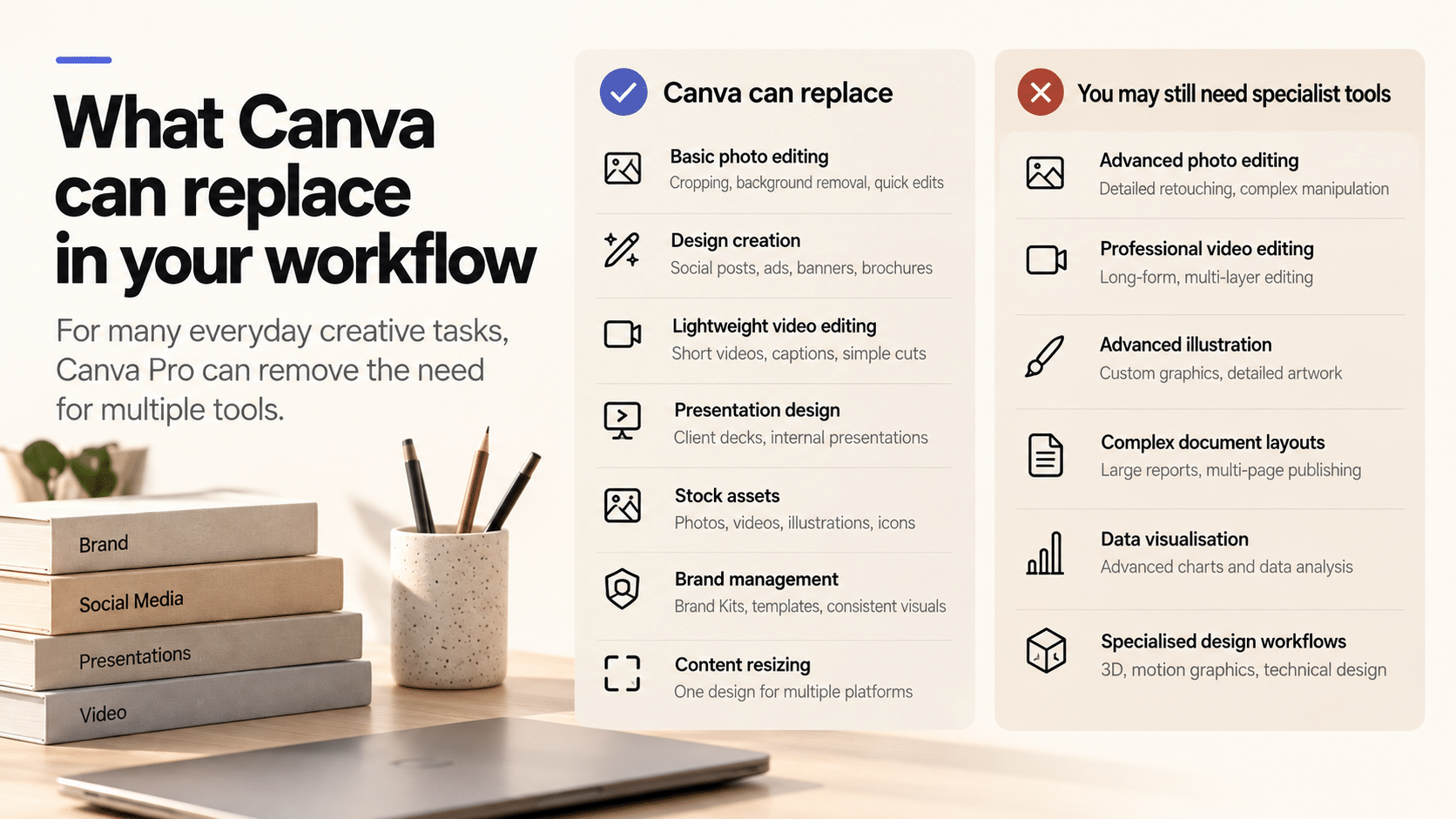
Canva can often replace the separate step you currently use for quick background removal, resizing, lightweight video edits, template hunting, stock asset searches, basic presentation design and social repurposing.
It does not automatically replace Photoshop for advanced image work, Premiere for complex editing or PowerPoint for every presentation workflow.
The better question is which part of my current process can disappear?
One idea can become five useful outputs
For example, say you are promoting a workshop.
Start with the workshop brief. Use Canva AI to explore one direction. Apply your Brand Kit. Build the main social post. Resize it into a Story. Turn the same visual system into a presentation opener. Create a short video cut from the same assets. Reuse the copy and imagery in a one-page handout.
That is a much better test of the free year than whether Canva has a template you like.
The Ainsidr 7-day test
For the next seven days, every time you are about to open another creative tool, stop for ten seconds and ask
Can Canva finish this step well enough?
If yes, do it there and note the time saved.
At the end of the week, keep only the Canva workflows that removed a real step, reduced repetition or made output more consistent.
If Canva only gave you more templates to scroll through, the free year did not change much.
If it removed three or four repeated steps from the way you work, it became a genuinely useful subscription before you paid anything for it.
Sources
Jio Canva offer, Canva Pro, and Canva AI 2.0 announcement. Checked 5 October 2026.