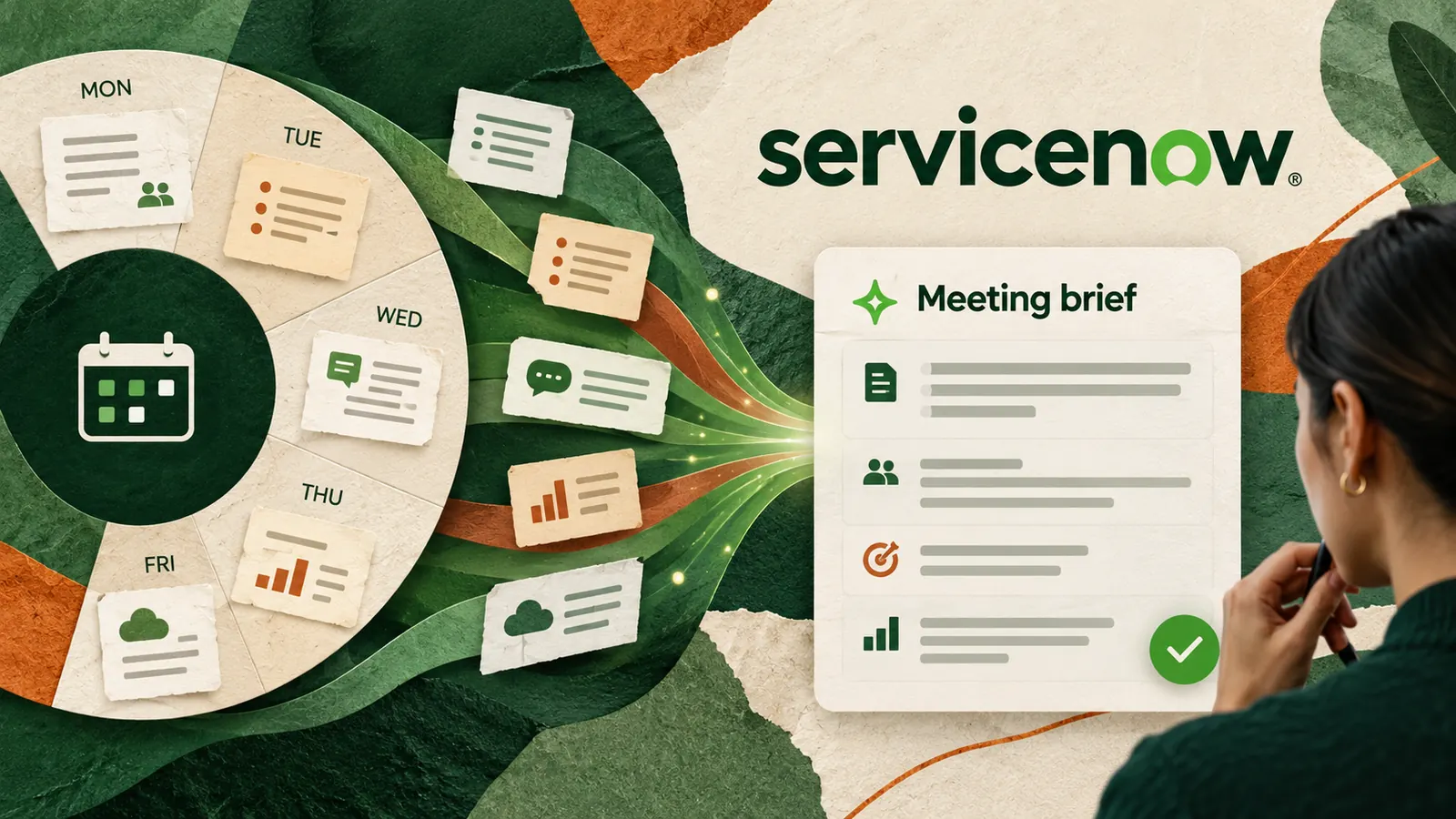
Imagine opening your calendar on Monday and finding a short briefing for each client meeting already waiting for you. It lists the agenda, the latest agreed next step and the two questions that still need answers. You check it before the call instead of rebuilding the context from scattered notes.
On October 15, 2026, ServiceNow announced new EmployeeWorks Productivity Routines designed to let employees describe recurring tasks and build AI workflows without coding. It also introduced Productivity Assistants and developer tooling called ToolSmith. These features are in controlled availability, not a general release that everyone can use today. The useful question is what a sensible first routine would look like when your organisation has access.
Start with a briefing, not an automatic decision
A meeting brief is a better first experiment than an agent that sends messages, changes records or approves requests. Preparing information is relatively easy to inspect. Sending an incorrect customer commitment or changing a live record is much harder to undo.
ServiceNow describes a sales workflow that reviews upcoming meetings, researches an account and prepares relevant materials. That is a product example, not proof that every company can enable it immediately. The same preparation pattern can be planned in any approved workplace tool before an agent is deployed.
Automate the preparation first. Keep the decision with the person.
Choose one repeatable input and one useful output
The smallest useful meeting routine
- Trigger One business day before a meeting marked as a client review.
- Allowed inputs The meeting agenda, an approved project tracker and the last confirmed action list.
- Output A short private briefing with the goal, confirmed progress, open questions and source links.
- Boundary Do not send emails, change the calendar, update CRM records or contact anyone.
- Owner The meeting organiser checks the brief and decides what to use.
For example, a customer success manager has a Tuesday check-in with a software client. The project tracker shows that onboarding training is complete but one reporting issue is unresolved. The routine can draft a briefing with that status, link to the ticket and flag the question for the account owner. It must not say the issue is fixed unless the source confirms that.
Try this now without building an agent
Use a fictional meeting first, or use approved non-sensitive materials in an AI tool your organisation permits. This manual trial helps you discover whether the task is worth automating at all.
Copy-paste prompt for a pre-meeting brief
Prepare a one-page pre-meeting briefing for [meeting type] using only the notes below. The audience is [role].
Use these sections in order. Meeting purpose. Confirmed progress. Outstanding issues. Decisions required. Questions to ask. Source links to check.
For each claim, cite the note or tracker item that supports it. If a date, owner or status is absent, write Needs confirmation. Keep assumptions in a separate section. Do not invent commitments, infer that a task is complete, or send anything.
Finish with three questions the meeting organiser should verify before sharing the brief. Notes and permitted source references follow – [paste a fictional or approved example].
Verify Open the original tracker, confirm that every status is current, check that the owner and dates are supported and remove any statement you cannot trace to a source.
Score the result before asking IT to automate it
Run the same manual test for three different meetings. Track whether each briefing saves preparation time without adding corrections. An attractive output is not enough if the reviewer has to recheck every line.
Five checks for a safe pilot
- Can you identify every input the routine would read and confirm permission to use it?
- Are the dates, names, open issues and approvals supported by current source records?
- Does the draft label unknowns rather than presenting guesses as facts?
- Can a person stop the routine and review its output before any external action?
- Did the trial reduce total preparation time after verification, not just drafting time?
If one answer is no, improve the manual workflow before enabling a background routine. The US National Institute of Standards and Technology describes AI risk management as an ongoing process involving governance, context, measurement and response. You do not need a complex risk program for a tiny pilot, but the principle of measuring what the system actually does still applies.
What to ask if your workplace uses ServiceNow
Ask your administrator whether the new EmployeeWorks Productivity Routines are enabled for your organisation, what approved systems they can read and who controls permissions and audit logs. ServiceNow says the October features are in controlled availability, so a missing button does not mean you have configured something incorrectly.
Ask for a read-only meeting-brief pilot first. Record the routine owner, the inputs, the review step and the condition for stopping it. Do not connect personal accounts or sensitive customer data without the relevant approvals. For high-stakes decisions, keep your existing formal sign-off process.
Even without access to the new product, the experiment is useful today. If three manual briefs reliably save time and surface real questions, you have a clear workflow to propose. If they create more checking than they save, you have learned that before putting an unreliable routine on autopilot.
Sources
ServiceNow Newsroom – EmployeeWorks and Productivity Routines announcement, October 15, 2026
NIST – AI Risk Management Framework Playbook