Workplace AI
Stories, explainers, and practical ideas tagged Workplace AI.
Stories
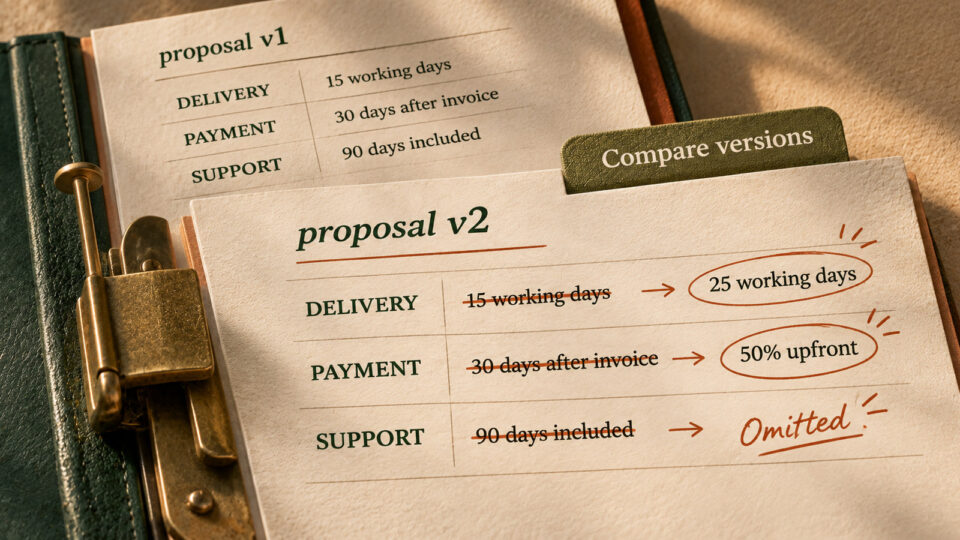
AI can miss the one change that matters in a revised document. Use this comparison check
Use source-backed AI comparison to catch changed dates, payments and responsibilities in revised documents before sharing.
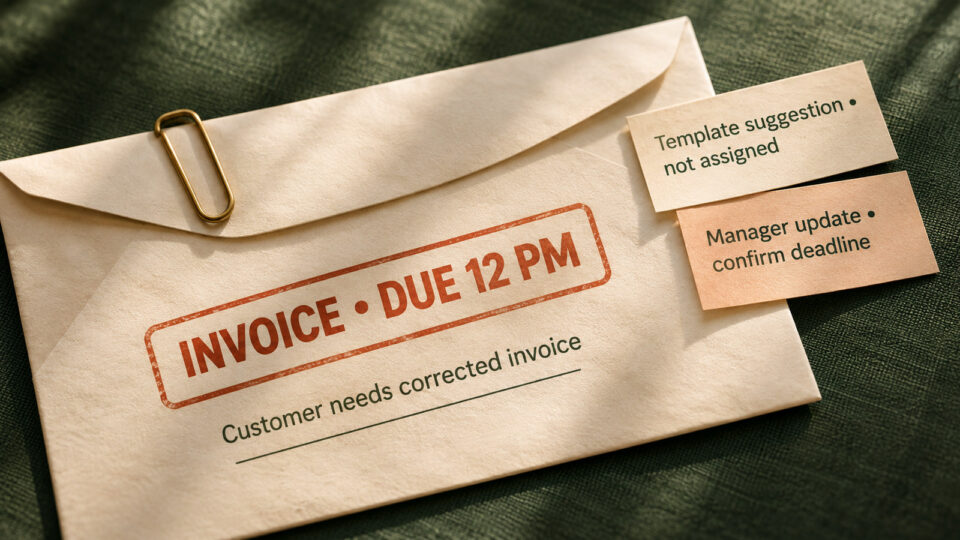
Your AI inbox priority list needs evidence. Try this ten-minute triage
Use a practical AI inbox triage prompt to separate real deadlines from guesses and verify every action before sending.
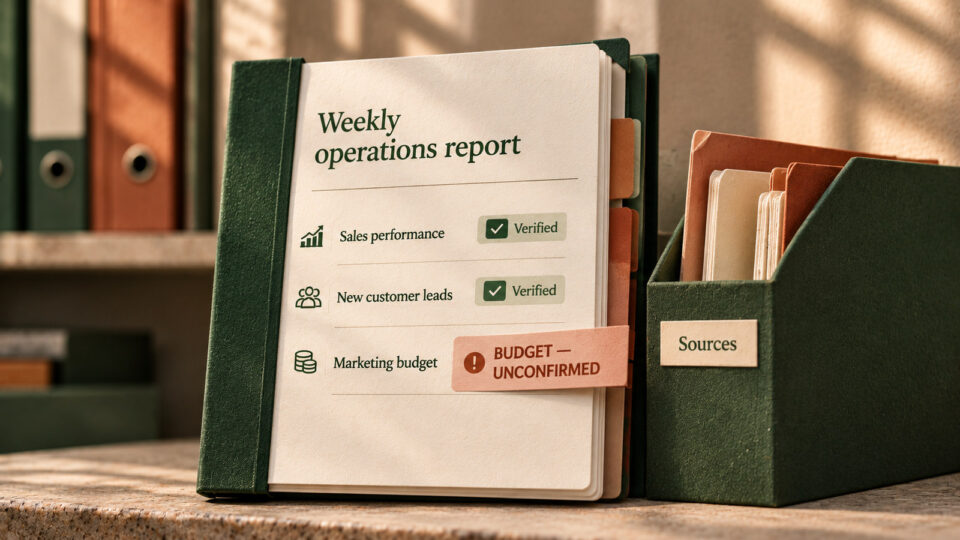
Your AI status report sounds certain. Check the evidence before sharing
Use a five-column evidence check to catch unsupported approvals, dates and metrics in AI-generated status reports before sharing.
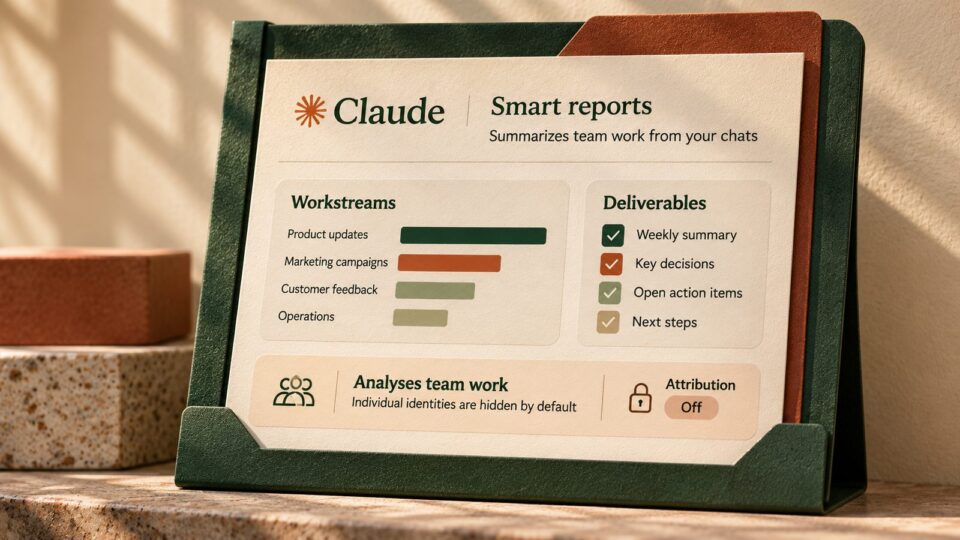
Claude smart reports can summarize team chats. Check these privacy settings first
Claude Enterprise smart reports analyze sampled team sessions. Learn what admins can see, how attribution works and five practical privacy checks.

Before AI changes your team workflow, make it write the undo plan
Use AI to plan a reversible workflow change with a small pilot, stop signals, a clear rollback owner and a reusable prompt.
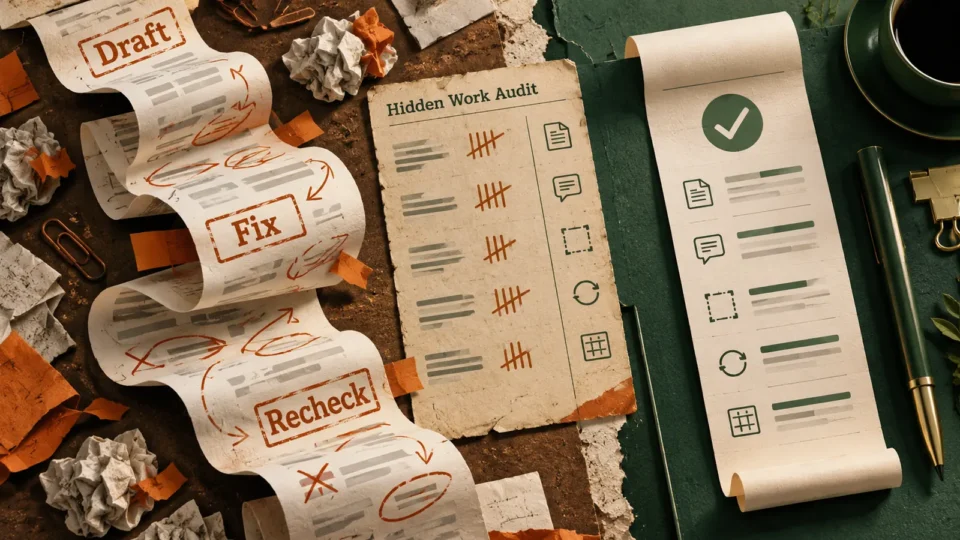
Your AI tool is adding work. Find the hidden rework in 15 minutes
New workplace research suggests AI can add hidden rework. Use a fifteen-minute friction audit, realistic example and reusable prompt to test whether a workflow really helps.
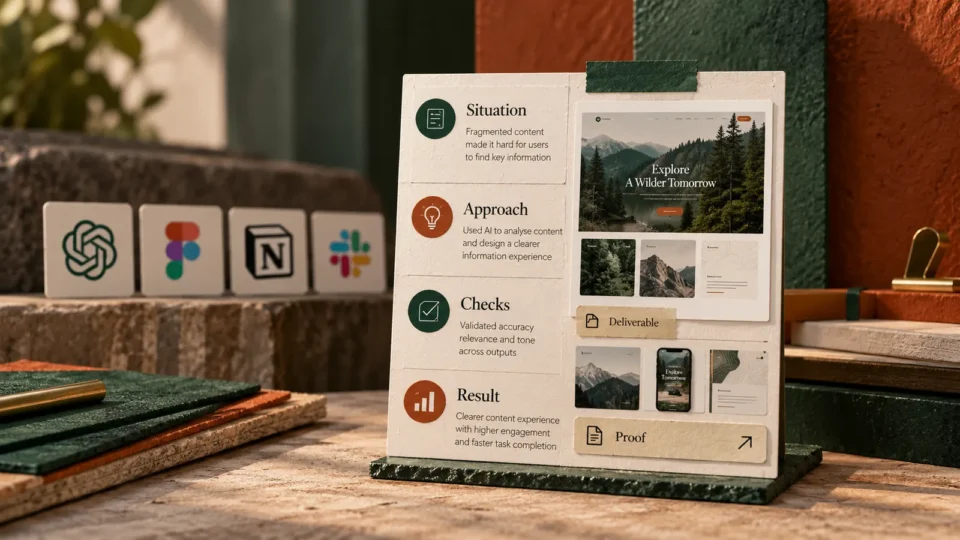
AI skills are becoming interview questions. Show one real workflow instead of a tool list
Hiring managers want practical AI judgement, not a list of tools. Build one truthful interview story with a four-part evidence card, reusable prompt and verification checks.
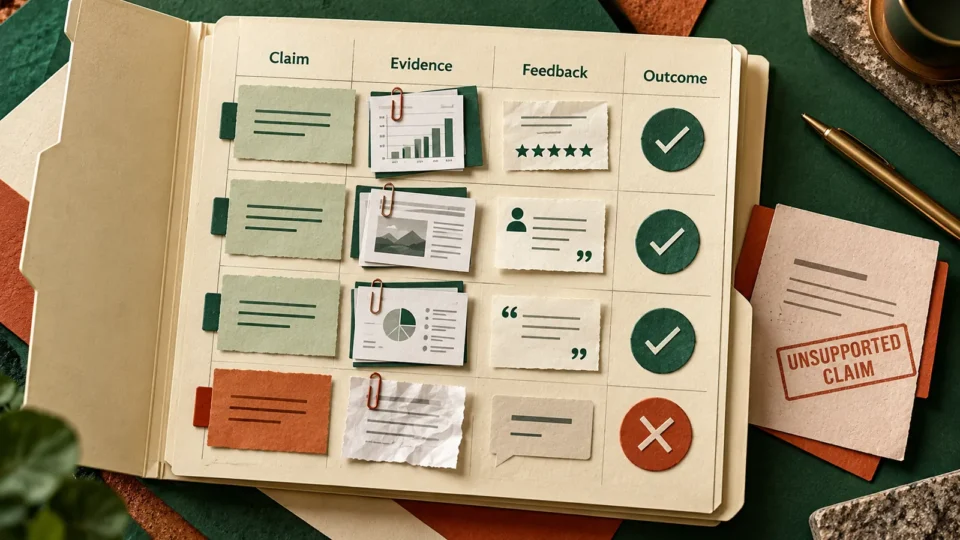
AI can draft your performance review. Build an evidence grid before submitting
Build an evidence-first AI performance self-review with a practical five-column grid, copy-paste prompt and verification checklist.
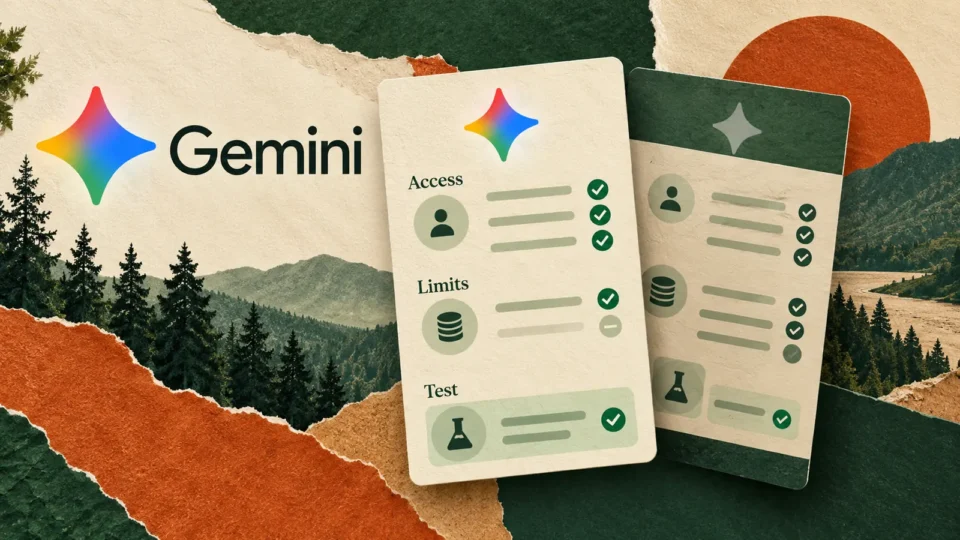
Gemini’s cheaper AI plan is losing Pro model access. Run this 10-minute plan check
Google is changing Gemini model access for free and AI Plus users. Check your plan, run three realistic task tests and decide whether upgrading is worth…
ServiceNow wants employees to build AI routines. Start with one meeting brief
ServiceNow announced no-code AI Productivity Routines on October 15. Try a safe pre-meeting briefing workflow with a reusable prompt and five checks before automating.
AI that earns its place in your inbox.
The tools worth trying, a prompt you can steal, and the news that affects your work. No hype, no jargon.