An AI assistant can turn a messy Monday inbox into a polished priority list. The problem begins when its ranking sounds authoritative even though it has not checked the deadline, the owner or the consequences of delay.
Before accepting the list, use a simple triage rule. Ask what is due, who is waiting, what happens if it slips and which information is still missing. The goal is a queue you can explain to a colleague, not a mysterious score.
Start with four fields instead of one priority score
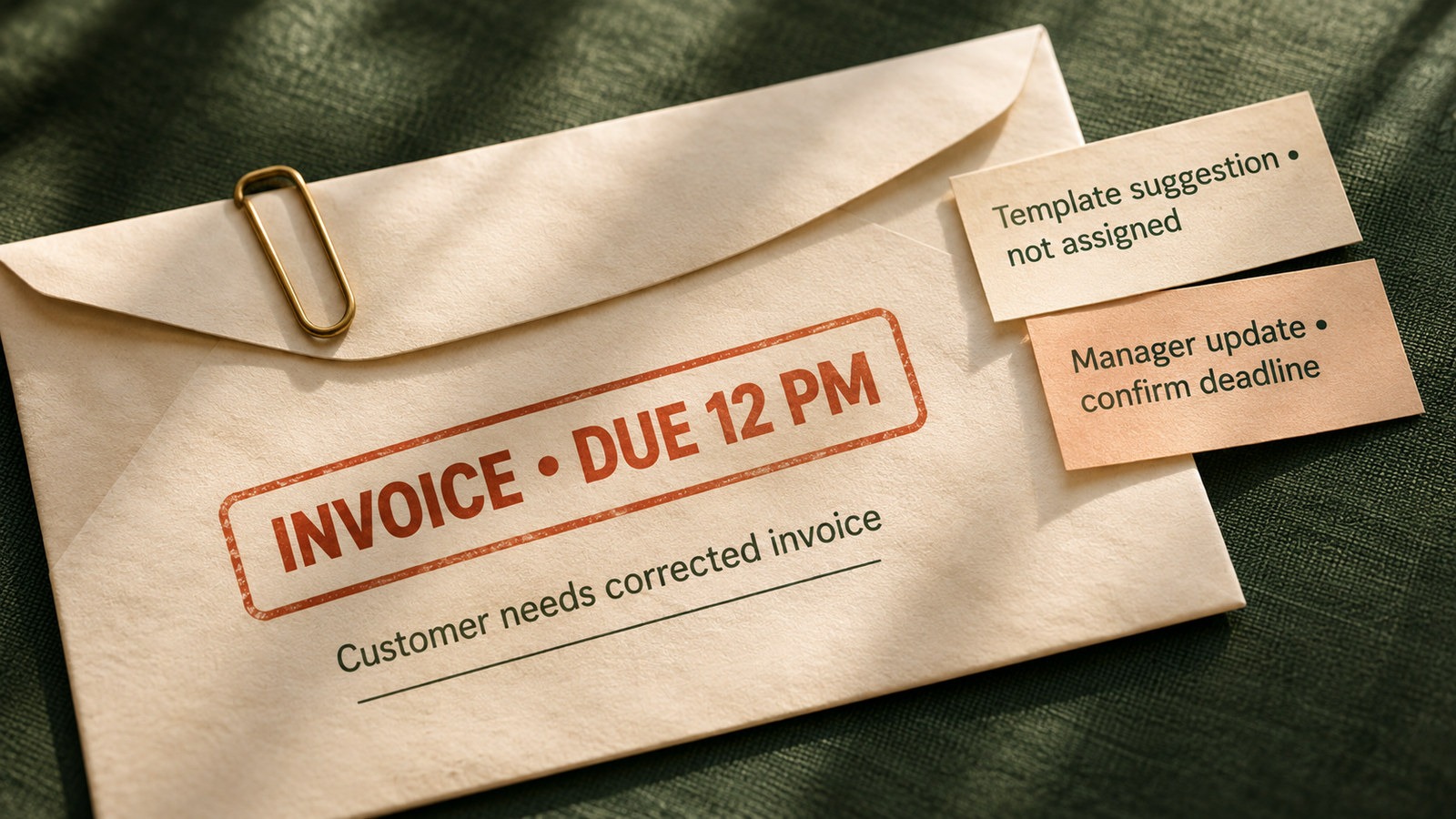
Imagine a fictional operations coordinator returning to 18 messages. Three deserve attention. A customer needs a corrected invoice before noon. A colleague has suggested redesigning a template next month. A manager asks for an update but has not specified when it is needed.
Make the queue auditable
For each item, capture the exact request, verified deadline, person affected and next action. Add a fifth field called Unknown when the message does not establish one of these facts.
The invoice has an explicit deadline and an external dependency. The template idea is not a committed task. The manager update needs a clarification rather than an invented due date. A good assistant should keep these distinctions visible.
Use a ten-minute inbox triage
- Choose a safe sample. Select five to ten non-sensitive messages or redact private details before using an approved AI tool.
- Extract requests verbatim. Copy the sentence supporting each proposed task. Do not convert every suggestion into an assignment.
- Confirm deadlines. Distinguish a stated date from a guessed one. Record the timezone if relevant.
- Mark dependencies. Note who is blocked and whether approval is required before sending or changing anything.
- Assign a next action. Use Do now, Schedule, Clarify or Ignore for now. The last option must still have a reason.
- Review manually. Compare the output with the original messages, then decide what to do yourself.
A useful priority list shows its evidence and its unanswered questions.
A prompt you can reuse
Act as an inbox triage assistant. Use only the messages I provide. For each genuine request, create a table with the original evidence quote, requested action, stated deadline, owner, dependency, missing information and suggested next step. Classify the next step as Do now, Schedule, Clarify or Ignore for now. Never invent a deadline, approval or owner. Separate ideas from commitments. Explain the reason for each classification in one sentence. Flag any message that may contain confidential information. Do not send replies, create tasks or change any system. End with three questions I should answer before acting.
Check the result before relying on it
Read the original message behind every item labelled Do now. Confirm that its deadline is real, that the requester has authority and that the task has not already been completed. If the AI overlooked a message, add it and note why. Repeat the same exercise next week to see whether the method actually saves time.
A useful success measure
Track how many tasks needed correction after review, how many clarification questions prevented a wrong action and how long the triage took. Faster is not better if the list creates extra follow-up work.
Keep the AI in preparation mode until you trust the process. Email access and automatic sending are separate decisions. The NIST AI Risk Management Framework recommends measuring and managing risks throughout AI use, while Microsoft and Google provide controls for managing connected app permissions and access.