HomeAI HacksFeature

AI is most useful at work when it does not try to do your job

A lot of AI advice still starts with automation, as though the goal is to hand over as much work as possible. The more useful shift is much less dramatic. AI is becoming genuinely helpful in the work that surrounds the work: preparing, sorting, comparing, checking, researching and turning a pile of information into something you can actually act on.

Editorial collage showing meeting notes, planning, comparison, review and action tasks organised with AI assistance

There is a fairly common pattern when someone first starts using AI at work. They open a chat window and begin with the largest possible task: create the strategy, write the presentation, build the campaign, analyse the business, or tell me what to do next.

Sometimes the result is surprisingly good. Quite often it is polished but generic, which leaves the person rewriting most of it anyway. That is not necessarily because the tool failed. The request itself may have handed over the part of the job that depends most on context, judgement and knowing what a good answer should look like.

The more useful opportunity is usually sitting one step earlier.

The first Google AI and Economy ATLAS report found that most work related AI activity in its dataset centred on collaboration and assistance rather than complete automation. Ideation, strategy, information retrieval and learning appeared frequently, while fewer than 10 percent of work interactions fully automated a task. Google AI and Economy ATLAS

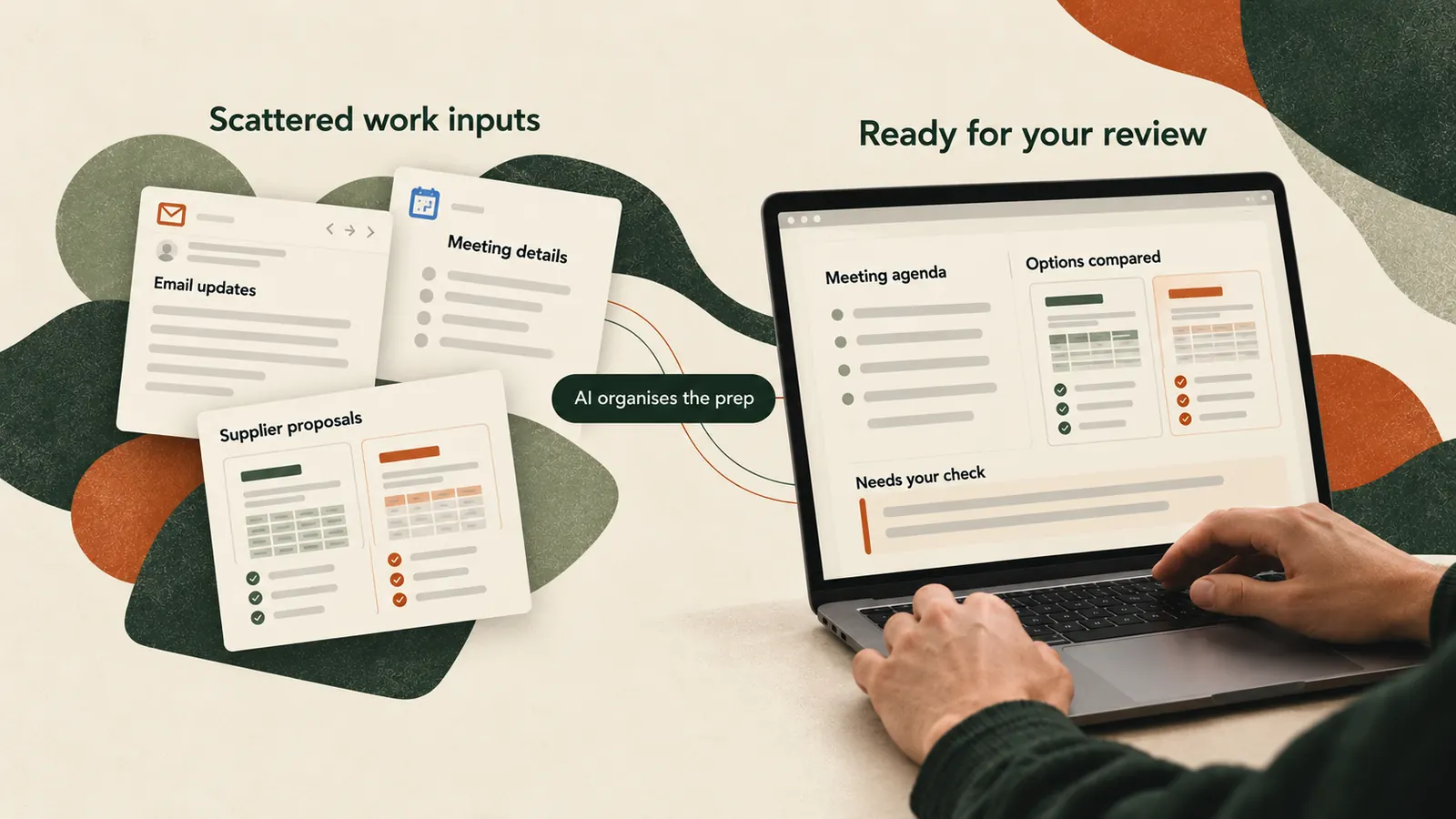
That picture feels much closer to a normal working day than the idea of AI taking over entire roles. A manager may still make the decision, but AI can help turn forty minutes of meeting notes into the decisions, actions and unresolved questions that matter. A marketer may still choose the campaign direction, but AI can help compare several ideas against the brief before time is spent developing them. Someone reviewing three vendor proposals can still make the final call while using AI to organise the differences that would otherwise take an hour to pull together manually.

The value is not in removing the person from the process. It is in reducing the amount of energy spent getting to the part where the person is actually needed.

Start with the work that keeps getting delayed

A useful place to look is the task you keep pushing to later in the day, not because it is particularly difficult but because you know it will take longer than it should.

Meeting preparation is a good example. Imagine you have a client call tomorrow and there are six email threads, an old proposal and a set of notes from the previous meeting. The usual approach is to reread everything and build your own mental picture of where things stand.

Instead, give the material to AI and ask it to separate what has already been agreed, what is still an assumption, what needs a decision and what should be clarified in the next meeting. You can also ask it to flag anything that appears contradictory. The useful part is not the summary. It is the separation between fact, assumption and unresolved issue.

The same approach works after the meeting. Rather than asking for meeting notes, ask for a record that can actually move the work forward: decisions made, actions required, owner for each action, deadlines mentioned, unresolved questions and anything that still lacks a clear owner.

That output has a purpose. You can check it, correct it and send it. This is also where AI becomes more useful than another productivity app, because it can work with information that was never neatly structured in the first place.

Comparison is often more valuable than another summary

Summarising has become one of the default AI use cases, but many work decisions do not suffer from a lack of summaries. They suffer from having too many separate pieces of information that still need to be compared.

Suppose you are evaluating three agencies, software tools or vendor proposals. Each company presents the information differently and naturally emphasises its own strengths. Reading three AI summaries still leaves you with three documents. A more useful request is to compare the options against the criteria that actually matter to you, such as total cost, setup effort, features you need, ongoing work required, limitations, contractual concerns and claims that cannot be verified from the material provided.

Now AI is doing the sorting while you retain the judgement. The same idea can be applied to job offers, insurance plans, research reports, software subscriptions, campaign routes or different versions of a strategy document. Whenever the real work is buried in the differences between several options, comparison usually creates more value than another summary.

Use AI before something leaves your desk

One of the better applications of AI is not creation at all. It is review.

People naturally lose objectivity after working on something for hours. The presentation starts to feel clearer because you already know what every slide is meant to say. The proposal feels complete because you know all the context that never made it onto the page. AI can be used as a patient first reader before somebody else sees the work.

Instead of asking whether a presentation is good, ask AI to read it as a senior manager who has not been involved in the project and identify claims that need evidence, conclusions that appear before the reasoning supports them, slides that repeat the same point and questions that would arise before approval.

For a proposal, ask what would make a buyer hesitate, what information is missing and which promises are too vague to evaluate. For an important email, ask what the recipient could misunderstand and which part needs to be clearer before it is sent.

These are small uses, but they solve a real problem. AI does not need to understand the job better than you do for this to be worthwhile. It only needs to help you see the work from another angle before someone else does.

Better context usually matters more than a clever prompt

There is a lot of advice online about finding the perfect prompt, but the difference between a weak result and a useful one is often much simpler: the useful request contains the information needed to do the work.

Consider asking AI to write a follow up email after a client meeting. With almost no context, the response will naturally lean on familiar professional language. Give it the original brief, the meeting notes and the decisions agreed, then ask it to confirm those decisions, assign the agreed actions and raise the one unresolved issue without reopening points that are already settled. The second request is not more sophisticated. It is simply better informed.

The same principle applies when asking for research, a presentation outline, feedback on a document or help thinking through a decision. If a capable colleague would need the background information, AI probably needs it too.

The practical test is whether it removes friction

The June 2026 Anthropic Economic Index survey found that large majorities of respondents reported improvements in the speed, scope and quality of their work when using Claude. The survey also found that many respondents wanted AI to take over tedious parts of their jobs while leaving more room for work they considered meaningful. Anthropic notes that the survey is based on Claude users and is not representative of the general population, which is an important limitation. Anthropic Economic Index

The more useful way to apply that idea is not to change your entire workflow at once. Pick one task that already exists on your list and look for the part that involves organising, comparing, extracting, reviewing or preparing information.

If you have a meeting, use the existing documents to prepare for the specific conversation rather than generating a generic list of questions. If you are making a choice, ask AI to organise the differences between the options against criteria you define. If you are sending something important, ask it to review the work from the perspective of the person who needs to approve it. If you have twenty pages of material to get through, tell it what you are trying to find before asking for a summary.

Then judge the result by something more practical than whether the output sounds impressive. Did it save meaningful time? Did it reveal something you had missed? Did it make the next decision easier? Did it reduce a piece of work that normally feels unnecessarily tedious?

The bigger shift may look surprisingly ordinary

New technology tends to attract attention when it can do something spectacular. The technology that lasts often becomes valuable for the opposite reason. Eventually it becomes ordinary enough that people stop talking about the tool every time they use it.

The September 2026 update to Google ATLAS offers a useful example of how differently this adoption can appear across types of work. Arts, design and media occupations accounted for 19 percent of measured work related AI usage in India, 1.6 times the global average for those occupations. In the United States, computer and mathematical occupations represented 30 percent of measured work related AI usage. Google ATLAS September 2026 update

The numbers should not be read as a census of every worker or every AI product. ATLAS measures activity within Google AI products, so it provides a window into usage rather than a complete picture of the labour market. Even with that limitation, the contrast is useful because it suggests that AI does not enter every workplace through the same door.

For one person it may begin with coding. For another it may be research, presentations, visual exploration or getting through a chaotic inbox faster. The common factor is not the technology itself. It is whether the tool removes enough friction from something people already need to do.

The most meaningful shift may not arrive when a system can perform an entire profession without supervision. It may arrive when people stop spending thirty minutes reorganising meeting notes, manually comparing five options, hunting through a long document for one answer or beginning every piece of work from an empty page.

That story is less dramatic than replacing entire jobs, but for everyday working people it is probably much more relevant. It also gives you somewhere useful to start tomorrow.

Sources

Google, Understanding the AI economy, July 2026
Google, New insights from AI and Economy ATLAS, September 2026
Anthropic Economic Index report: Cadences, June 2026

Related

Keep reading.

The Insider Brief

AI that earns its place in your inbox..

The tools worth trying, a prompt you can steal, and the news that affects your work. No hype, no jargon.

No spam. Unsubscribe in one click.