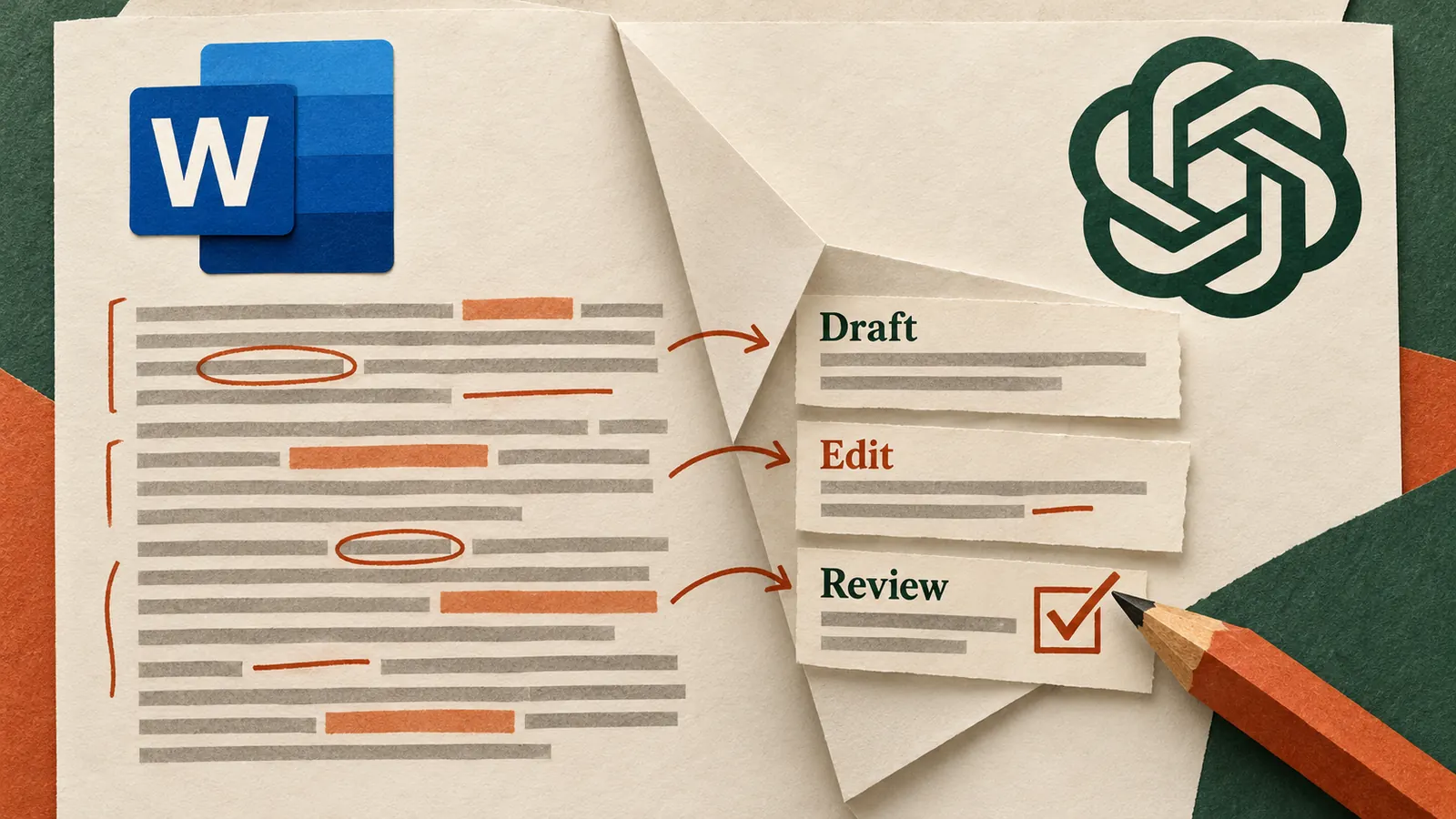
Microsoft Word is familiar enough that most people stop thinking about the tool itself. That is why ChatGPT inside Word can be useful: several small pieces of document work can happen beside the document instead of through repeated copying between Word and a separate chat.
OpenAI says the Word integration can help draft from notes, summarise documents, revise selected text, reorganise sections and check a draft for unclear language or inconsistent terminology. The best use is not asking AI to write the whole document. It is removing the friction around the writing.
Start before the writing
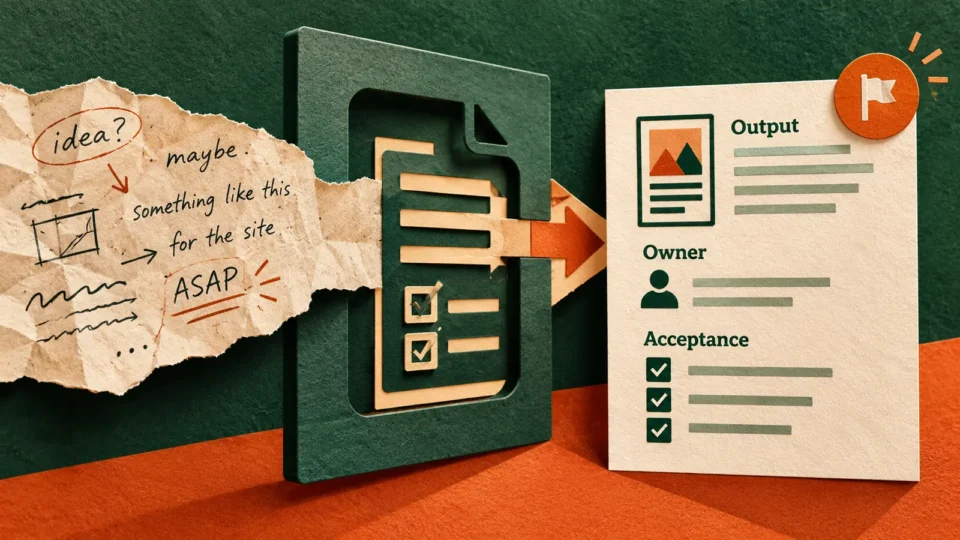
Most documents begin with messy inputs: meeting notes, old emails, rough numbers and an incomplete outline. Before asking for prose, use ChatGPT to separate what is known, what still needs confirmation, what the reader cares about and what the document needs to achieve.
For a proposal, ask it to organise client notes into agreed points, open questions, evidence and a suggested structure. Once the structure is right, drafting becomes easier because the thinking has already been cleaned up.
Use it to shorten, not just generate
One of the more useful applications is reducing words. Select only the section that needs work and specify what must remain unchanged.
Shorten this section for a senior management audience. Keep the numbers, recommendation and risks exactly as they are. Remove repetition and background that is not needed for the decision.
This gives the AI a narrow editing job rather than permission to reinterpret the entire document.
Turn Word into a first reviewer
Ask ChatGPT to read from the perspective of the person who will receive the document. For a proposal: what would make a buyer hesitate? For a management memo: which claim appears before the evidence supports it? For a report: where does terminology change or a conclusion become unclear?
The goal is not to let AI approve the work. It is to expose problems before another person has to find them.
Keep formatting expectations realistic
Complex tables, charts and templates still deserve manual checking. Save a copy before substantial edits and verify important figures, citations and changes. Working inside Word can make an AI edit feel safer simply because it appears in a familiar interface. The underlying need to review it has not changed.
1. Ask what the document is trying to achieve and where it is unclear.
2. Select the weakest section and request two alternative structures.
3. Choose one and revise only that section.
4. Review the complete document for contradictions, repeated points, unsupported claims and inconsistent terminology.
Know the boundaries
The Word add-in works with the document you have open, but other local files are not automatically part of the context. If the draft depends on another source, provide the relevant material or use an appropriate connected app. Conversations in the add-in may also behave differently from your normal ChatGPT history and memory, so do not assume context has carried across.
Use a before-and-after check
Choose one document type you create regularly and compare the old process with the AI-assisted one. Count the time spent organising inputs, drafting, revising and checking. If the integration only moves time from writing into correction, narrow the AI task. The goal is a cleaner workflow, not simply more generated text.
Where it actually saves time
The strongest use cases are ordinary: turning rough notes into a structure, compressing a long update, checking a proposal before sending it, or adapting the same material for a different audience. Those tasks happen repeatedly and are easy for a person to review.
The integration is useful when it reduces the work around writing without handing away responsibility for what the document says.
Sources
OpenAI ChatGPT release notes; OpenAI ChatGPT for Word guide.