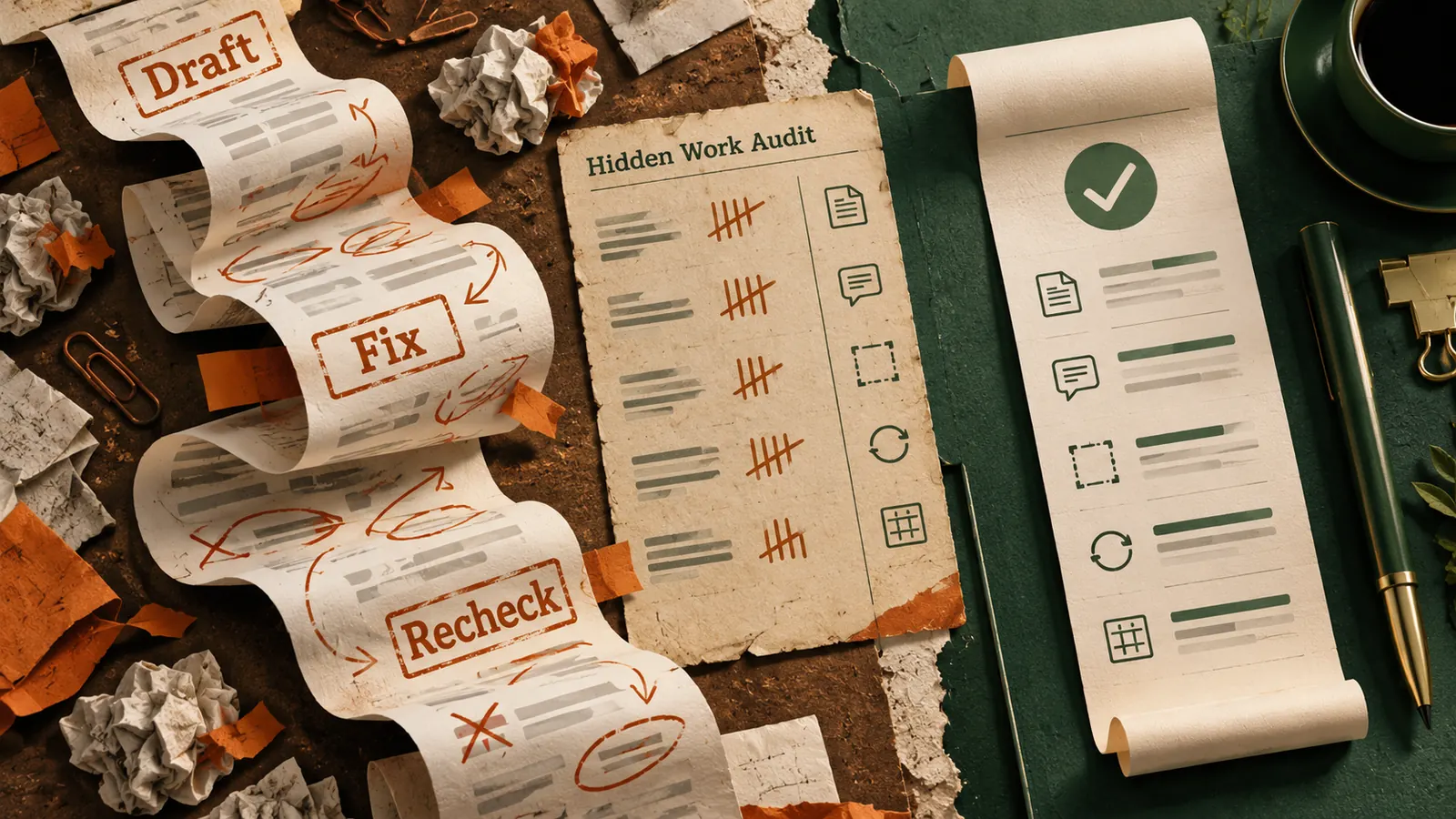
An AI tool can finish a draft in seconds and still make your working day longer. The extra time often appears later, when someone checks claims, fixes formatting, hunts for missing context or copies the answer back into the system where the work actually lives.
This is more than an individual annoyance. On October 21, 2026, Ricoh published its Workplace Technology Adoption Gap survey. Among employees surveyed in the United States and Canada, 53% said AI tools create friction or extra work. At the same time, 91% of surveyed business and IT decision-makers were confident their AI investments were delivering the value expected. Those percentages describe different groups and questions, not a direct measure of AI performance.
The useful question for your own job is smaller. Where does an apparently quick AI task create work for the next person, or for you ten minutes later?
Do not judge an AI workflow when the draft appears. Judge it when the work is actually finished.
Look for the work after the AI answer
Think about a marketing coordinator asked to prepare a customer FAQ from twelve anonymised support questions. An approved AI assistant creates a draft in nine minutes. It looks complete. But three answers include claims that were never in the source material, the headings do not match the website template and the coordinator has to re-enter the approved copy into the publishing system.
In this fictional example, checking the claims takes twelve minutes, fixing the format takes six and transferring the result takes seven. The full AI-assisted workflow takes thirty-four minutes. If the coordinator previously completed the same job manually in twenty-eight minutes, the attractive nine-minute draft has not saved time.
That does not mean AI is useless for FAQs. It means the workflow needs a better input, a tighter output format or a smaller role for AI. The numbers above are an illustration, not research findings or a promise of what your own team will experience.
Run a fifteen-minute friction audit on one task
Choose a task you completed with AI this week. It should be ordinary enough to repeat, such as drafting a client update, grouping survey comments or preparing a weekly status note. Use only information you are permitted to process in your chosen tool.
Your four-part rework ledger
- Draft time Record the minutes from opening the tool to receiving a usable first draft.
- Repair time Count corrections to facts, names, dates, numbers, tone and formatting.
- Handoff time Count copying, re-entering, requesting approval and explaining the output to someone else.
- Final result Record total time, any remaining errors and whether the output was accepted without another revision.
Write down one specific point where the workflow stalled. A vague note such as AI needed edits will not help you improve it.
Compare the full total with a similar task completed without AI, ideally with the same person, quality standard and complexity. If you do not have a fair comparison, record the AI total now and repeat the exercise next time. One example can reveal a bottleneck, but it cannot establish an organisation-wide productivity gain.
Fix the broken step before adding another AI tool
The repair work often falls into a few predictable categories. A factual mistake calls for a source-bound task and explicit verification. A formatting problem calls for an example of the required output. Missing project context calls for a small, approved reference brief. Repeated copying calls for checking whether the final system supports a safe import or reusable template.
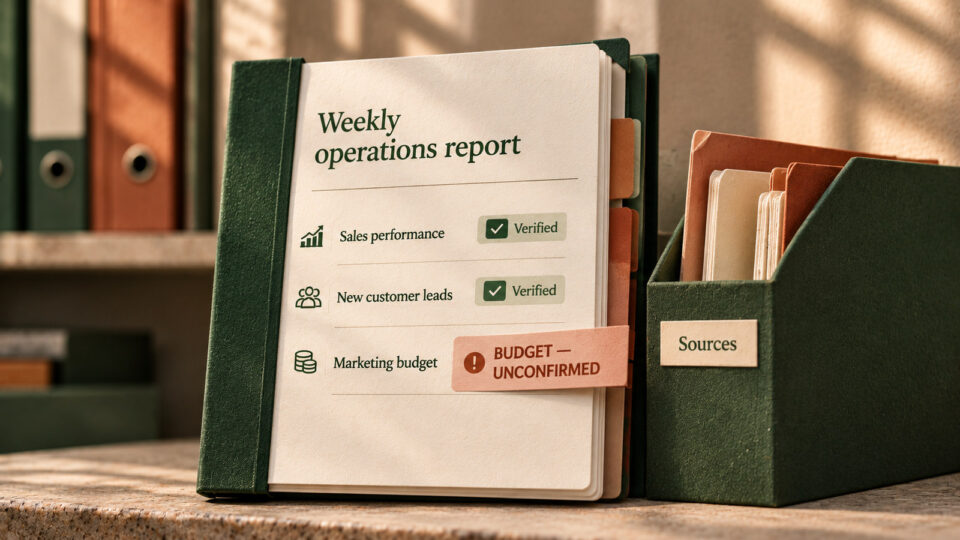
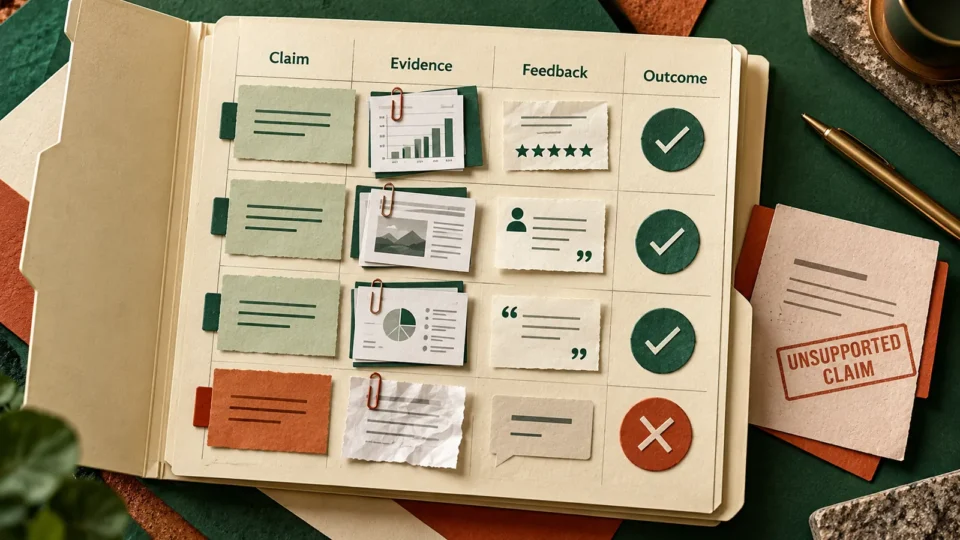
For the FAQ example, the coordinator could give the assistant the approved answer policy, the exact heading structure and a rule to mark unsupported claims as needing confirmation. They should then review each answer against the original question and approved policy. If the output still needs heavy repair, use AI only to suggest a first grouping of questions and write the final answers manually.
Ricoh also found that 76% of employees surveyed said their jobs would be easier if workplace systems worked better together. That does not mean every problem needs an integration project. Sometimes the simplest fix is an agreed template and a clear owner for the last step.
Try this now with one safe example
Open an approved AI assistant and paste the following prompt after replacing the brackets with a short description of a task. Use a fictional example if the real one contains confidential client, employee or company information. Do not paste private files simply to make the audit easier.
Copy-paste friction audit prompt
Act as a practical workflow reviewer. I want to find where AI may be creating extra work rather than removing it.
The task is [describe one repeatable work task].
The approved AI tool and permitted inputs are [describe without sensitive data].
The steps I currently take before AI, during AI use and after the draft are [list the steps].
The final output must meet these checks [list the quality and approval requirements].
Ask me for missing timings instead of inventing them. Separate drafting, fact checking, formatting, handoff and revision time. Show a simple table with the step, time spent, likely cause of rework and one low-risk change to test.
Recommend only one change for the next attempt. Explain how to check whether it actually reduced total completion time without lowering quality. Do not recommend connecting new apps, sharing confidential information or automating approvals.
Run the same task again with that one change. Keep the input size and acceptance criteria as similar as possible. Compare the total minutes, correction count and number of handoffs, not merely the speed of the first answer.
Decide whether to keep, narrow or stop the workflow
Three outcomes after your next test
- Keep The task finishes faster, the required checks pass and nobody inherits hidden cleanup.
- Narrow AI helps with one step, such as grouping or outlining, but final writing or decisions remain human.
- Stop Total rework rises, sensitive information would be exposed or quality checks repeatedly fail.
If you cannot measure time reliably, compare the number of corrections and handoffs first. Do not manufacture a saving to justify using a tool.
The October 21 Charter AI Pulse research offers another useful clue. It found that having a say in how AI fits into a job was strongly associated with workers benefiting from it. That is a survey association, not proof that one change will cause a productivity improvement. Still, it is a reason to ask the person doing the task where the friction actually happens.
For higher-stakes work, verification must remain part of the job rather than a cost to cut. The US National Institute of Standards and Technology provides a voluntary AI Risk Management Framework for thinking about trustworthy use and evaluation. Saving five minutes is not a win if the final result is less reliable.
Start with one task, one repair point and one measurable change. A useful AI workflow is not the one that produces the fastest-looking draft. It is the one that leaves less work behind.
Sources
Ricoh USA – Workplace Technology Adoption Gap survey, October 21, 2026
Charter – Introducing the AI Pulse research, October 21, 2026