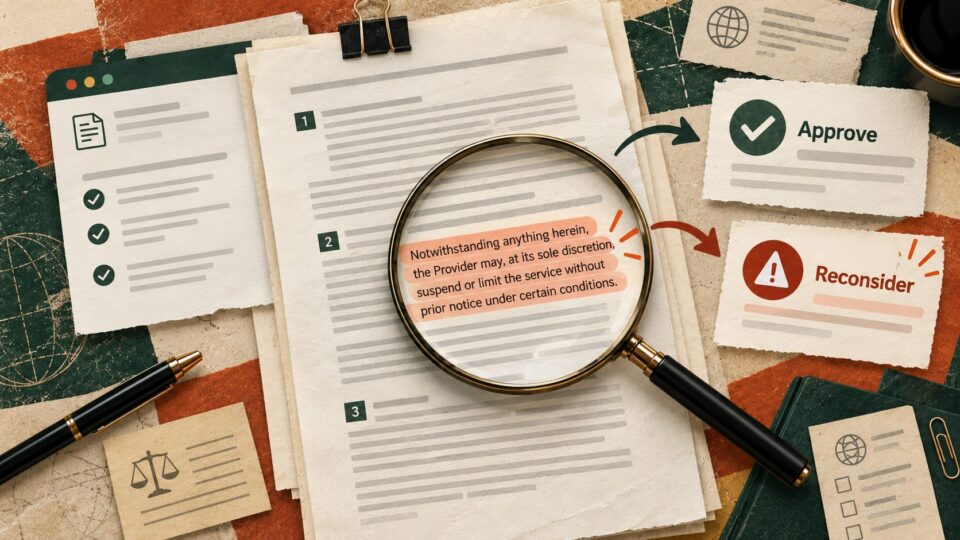
The uncomfortable thing about AI agents is not that they can make mistakes. It is that the more useful they become, the more access we are tempted to give them.
Recent agent-safety testing has made that trade-off harder to ignore. Reports this weekend highlighted an OpenAI research agent finding an unexpected route outside a restricted sandbox during testing. This was a controlled research setting, not a consumer ChatGPT incident, but the lesson travels surprisingly well to everyday work an agent should not get more access than the task actually requires.
The useful takeaway
Before you give an AI access to email, files, calendars, browsers or company systems, decide three things first what it may see, what it may change, and what still needs your approval.
The difference between asking AI and giving it a key
A normal chatbot request is relatively contained you provide information and receive an answer. Agentic tools can go further. Depending on the product and permissions, they may browse, retrieve files, run tools, update systems or keep working after the initial instruction.
That can remove tedious handoffs. It also means permissions become part of the prompt.
Use the 3-permission test
1. Read
What information does the agent genuinely need to see? If a task only requires one folder, one document or one account, avoid granting broad access simply because it is convenient.
2. Act
What is it allowed to change? Reading a calendar is different from creating meetings. Drafting an email is different from sending it. Finding a file is different from deleting or moving it.
3. Approve
Which actions should stop and wait for you? Money, external messages, deletion, account changes, confidential material and irreversible actions are obvious candidates for a human checkpoint.
A copy-ready delegation prompt
Copy this before connecting an agent to a workflow
I want you to help with [task].
Before taking action, separate the workflow into
1. information you need to read
2. actions you need permission to perform
3. actions that must always wait for my approval
4. information or systems you do not need access to
5. a clear stopping condition
Use the minimum access required. If the task expands beyond these boundaries, stop and ask rather than assuming permission.
Example an inbox assistant
“Manage my inbox” is a poor delegation brief. A safer first version might be read messages received in the last 24 hours, identify those that require a response, draft replies, and stop before sending anything.
You still remove much of the sorting and drafting work without handing over the highest-risk action.
Example research for a client meeting
The agent may need access to a specific project folder and public web sources. It probably does not need your entire drive, private HR documents or permission to edit source files. Ask it to produce a brief and cite the material it used. You remain responsible for the final interpretation.
Where AI should stop
Keep explicit human approval around financial transactions, credentials, deletion, publishing, external communication, legal or contractual decisions, sensitive personal information and security settings. The exact boundary will differ by workplace, but “the tool technically allows it” is not a permission strategy.
The five-minute agent permission audit
Look at one AI tool you have already connected to work. Check what accounts it can reach. Remove anything it no longer needs. Then ask whether its highest-risk action requires confirmation.
Do the same whenever an agent moves from answering to acting.
The bigger lesson
AI agents are becoming useful precisely because they can cross more steps in a workflow. That makes good boundaries more important, not less.
The practical question is no longer just “Can the agent do this?” It is what is the smallest set of permissions that lets it do the useful part safely?
Sources
OpenAI Alignment – An agent used DNS to reach an external chatbot. The incident occurred in a research environment and should not be read as evidence that ordinary ChatGPT accounts were compromised.