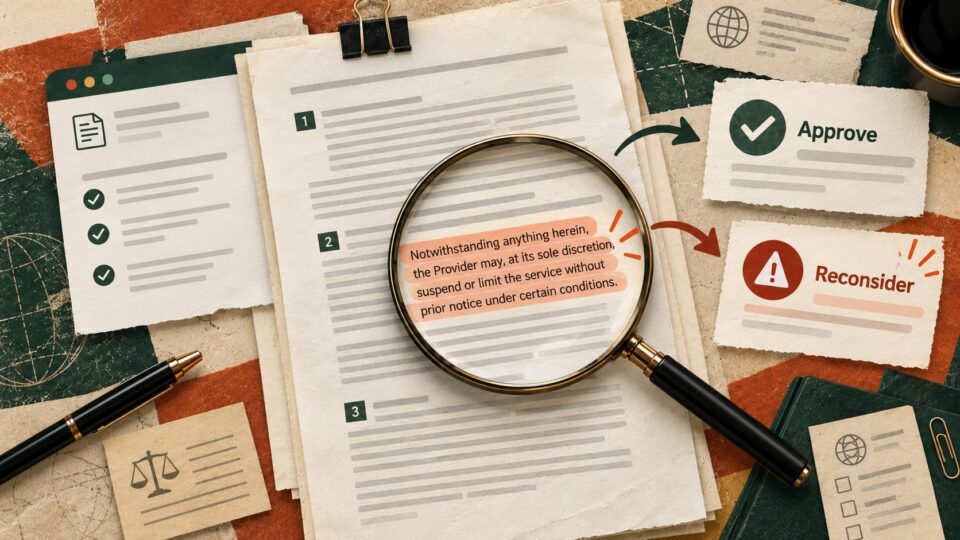
A revised proposal can look almost identical to the first version while changing a delivery date, payment term or responsibility. An AI summary is useful for finding candidate differences, but it is not evidence that every change was found. The safer approach is to compare the actual files first, then use AI to organise the differences for a human review.
Start with the source files
Save the original and revised files with clear version names. If possible, use a native document comparison feature to identify insertions and deletions. Do not ask AI to compare two documents from memory or from excerpts.
Practical check
For a supplier proposal, compare the delivery deadline, quantities, exclusions, payment milestones, cancellation terms and the named owner. A summary that says only “minor wording changes” is not enough.
Build a change register
For each material difference, record the exact original wording, exact revised wording, page or section reference, likely operational impact and the person who must confirm it. Mark uncertain items as needing review rather than presenting them as settled.
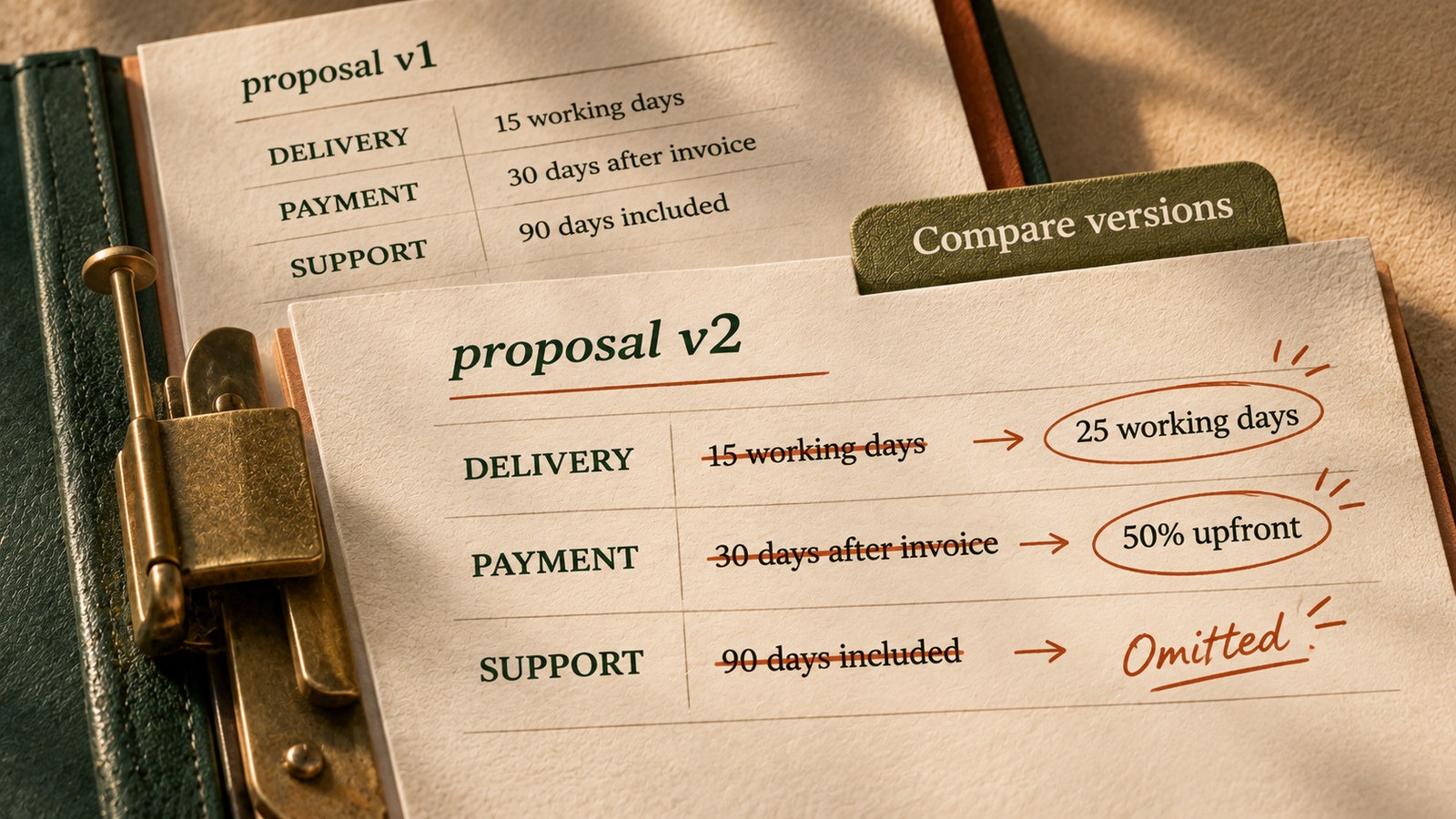
| Field | Original | Revised | Next check |
|---|---|---|---|
| Delivery | 15 working days | 25 working days | Confirm project deadline |
| Payment | 30 days after invoice | 50 percent upfront | Ask finance to approve |
| Support | Included for 90 days | Not mentioned | Request clarification |
These figures are fictional examples, not contract recommendations.
A reusable prompt
Compare the two attached versions of this document. Use only the text in the attachments. Create a table with the section reference, exact original text, exact revised text, type of change, possible business impact and question for the document owner. Pay special attention to dates, money, quantities, deliverables, responsibilities, exclusions and approval steps. Quote the source text for each difference. If either version is incomplete or a change cannot be verified, write “Needs manual comparison”. Do not claim that no other changes exist.
Verify before you circulate the result
- Check that both files are the correct versions and include all pages and appendices.
- Run the document editor’s native comparison or version history.
- Open the cited sections and verify each AI-extracted quotation against the source.
- Recalculate any changed totals or percentages independently.
- Ask the responsible owner to approve material changes before sharing an agreed summary.
A neat summary is not proof that the underlying versions match.
Where this helps most
Use this check for revised supplier quotations, project scopes, client proposals, policy drafts and handover documents. For legally binding documents, route material differences to a qualified reviewer. AI should help prepare the comparison, not replace that review.
Sources
- Microsoft Support on comparing document differences
- Google Docs Help on version history
- Microsoft Support on reviewing documents side by side