Workplace AI
Stories, explainers, and practical ideas tagged Workplace AI.
Stories
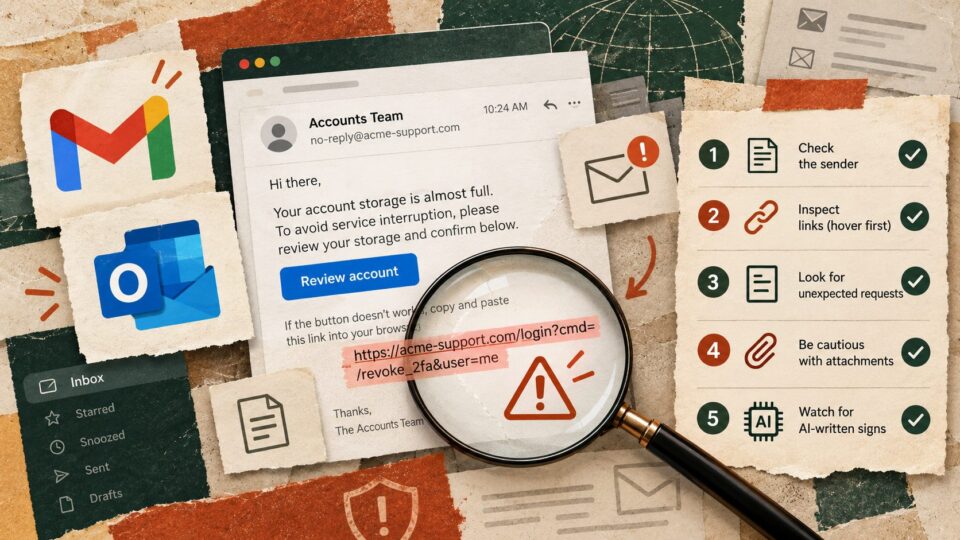
The next AI security problem may arrive in an ordinary email. Use this five-minute check
New warnings about AI-agent attacks have a practical lesson for anyone using AI with email and documents. Use this five-minute hidden-instruction check before letting an assistant…
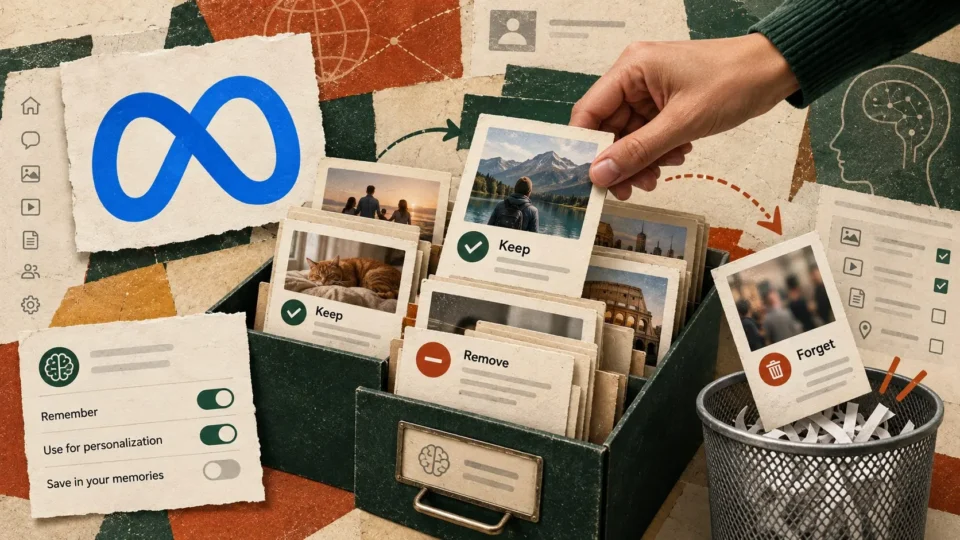
Meta’s new Muse Wonder remembers more. Decide what your AI should forget
Meta's Muse Wonder promises AI memory across conversations. Use a practical four-column memory check and correction test to prevent stale preferences and sensitive details from following…
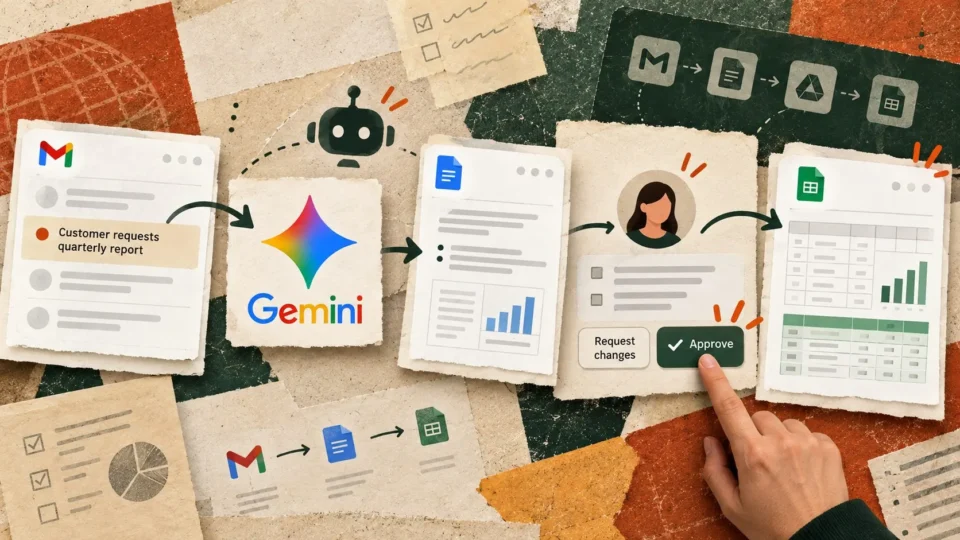
Google’s new Gemini agent can work across apps. Test one handoff first
Google's new Gemini agent can work across business apps. Use this practical handoff test to check decisions, tracker updates and approval boundaries before automating work.

Your team may not be resisting AI. It may be resisting the way it was introduced
Stanford research points to a better way to introduce AI at work. Use this 20-minute team experiment, practical checklist and copy-paste prompt to test it.
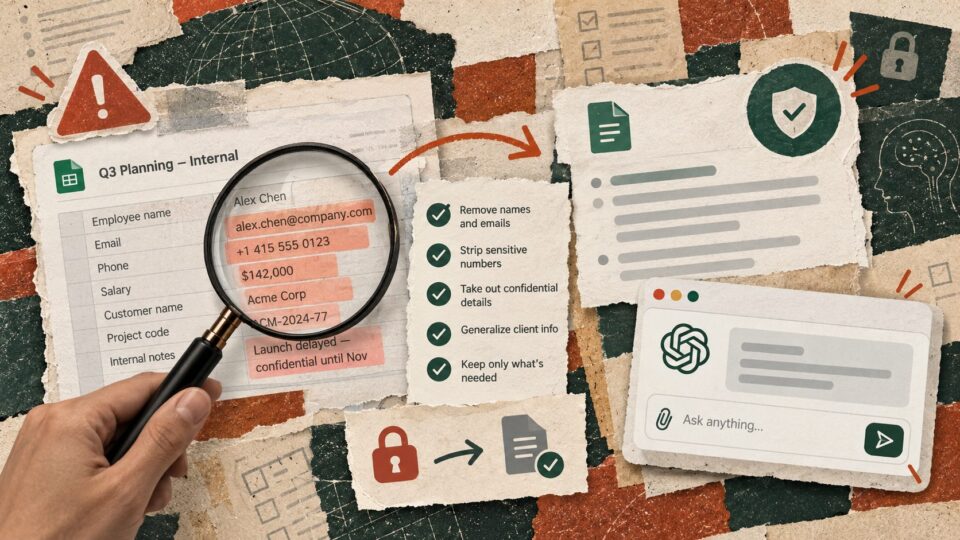
Before you paste work into AI, run this 60-second data check
AI at work is useful until the prompt contains data that should never have left your systems. Use this four-question check before you paste work into…

Claude can now process AI requests within India. Run this 5-part data-residency check first
Claude inference can now stay within India through Amazon Bedrock. Before moving sensitive work into it, use this five-part check for data flow, storage, permissions and…
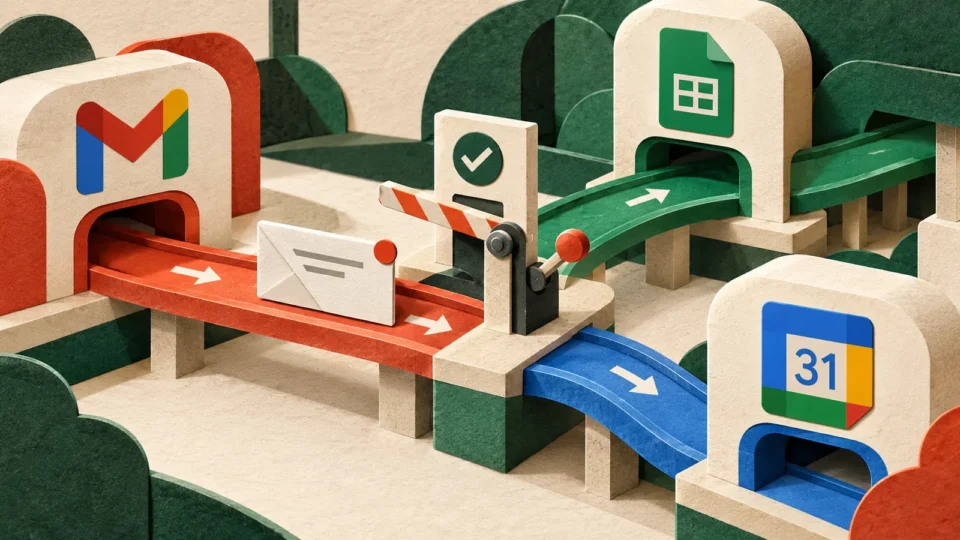
AI agents are starting to sit between you and your apps. Map the workflow before they do
AI agents increasingly act across email, calendars, files and business software. Use this workflow map to decide where an agent genuinely helps.
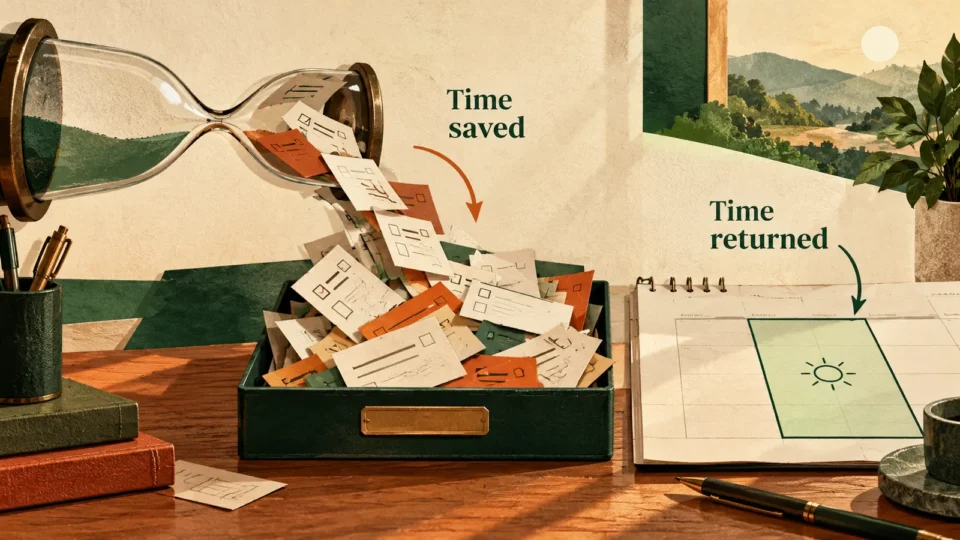
AI made the task faster. Did it actually give you any time back?
AI can make a task faster without making your week lighter. Use this simple time-return audit to see where the productivity gain actually goes.
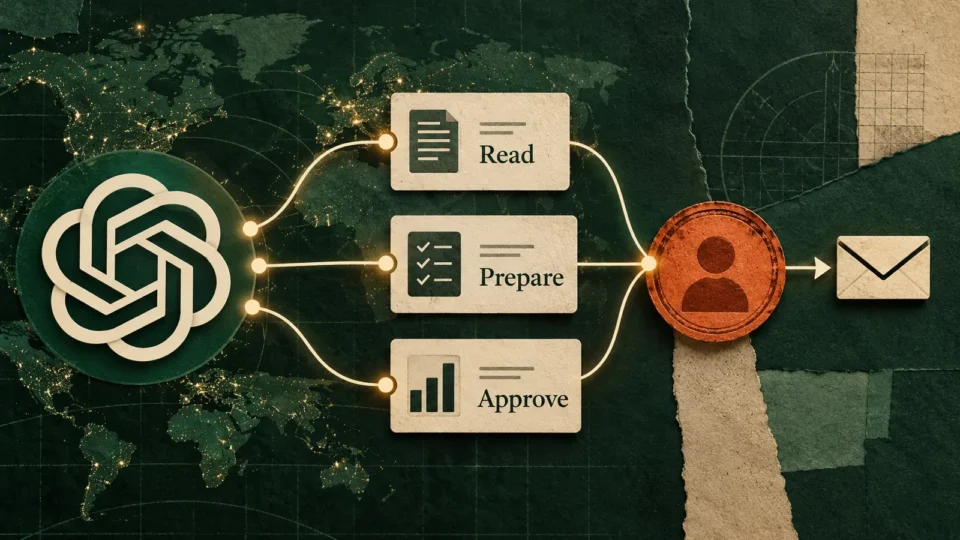
OpenAI’s Dots can keep working when you are not. Start with the approval map
OpenAI Dots can keep working across apps after you leave the chat. Before giving an always-on agent a recurring job, map exactly what it may read,…
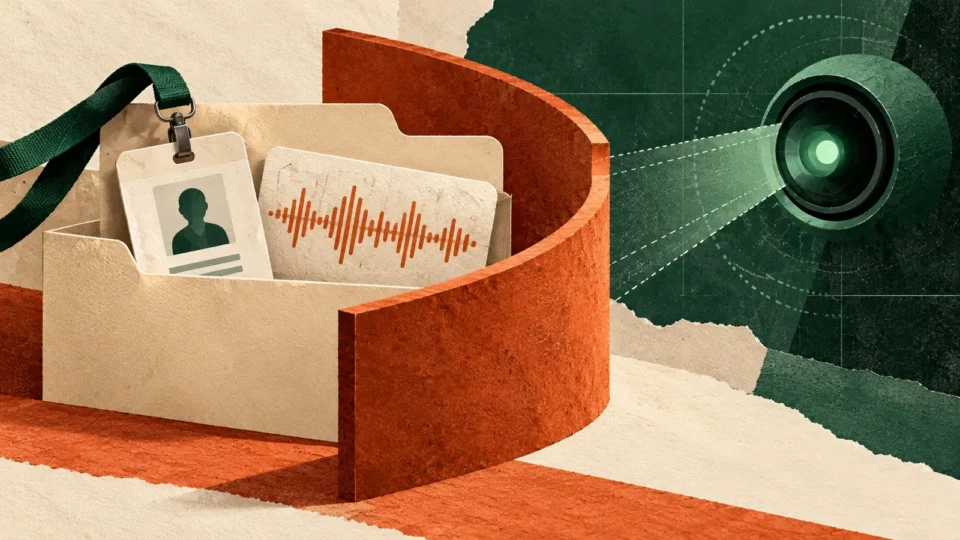
Your boss may use AI at work. California just drew a line around what it should not read
California has added new protections around workplace AI and automated employment decisions. Use this four-question check on the AI systems entering your workplace.
AI that earns its place in your inbox.
The tools worth trying, a prompt you can steal, and the news that affects your work. No hype, no jargon.